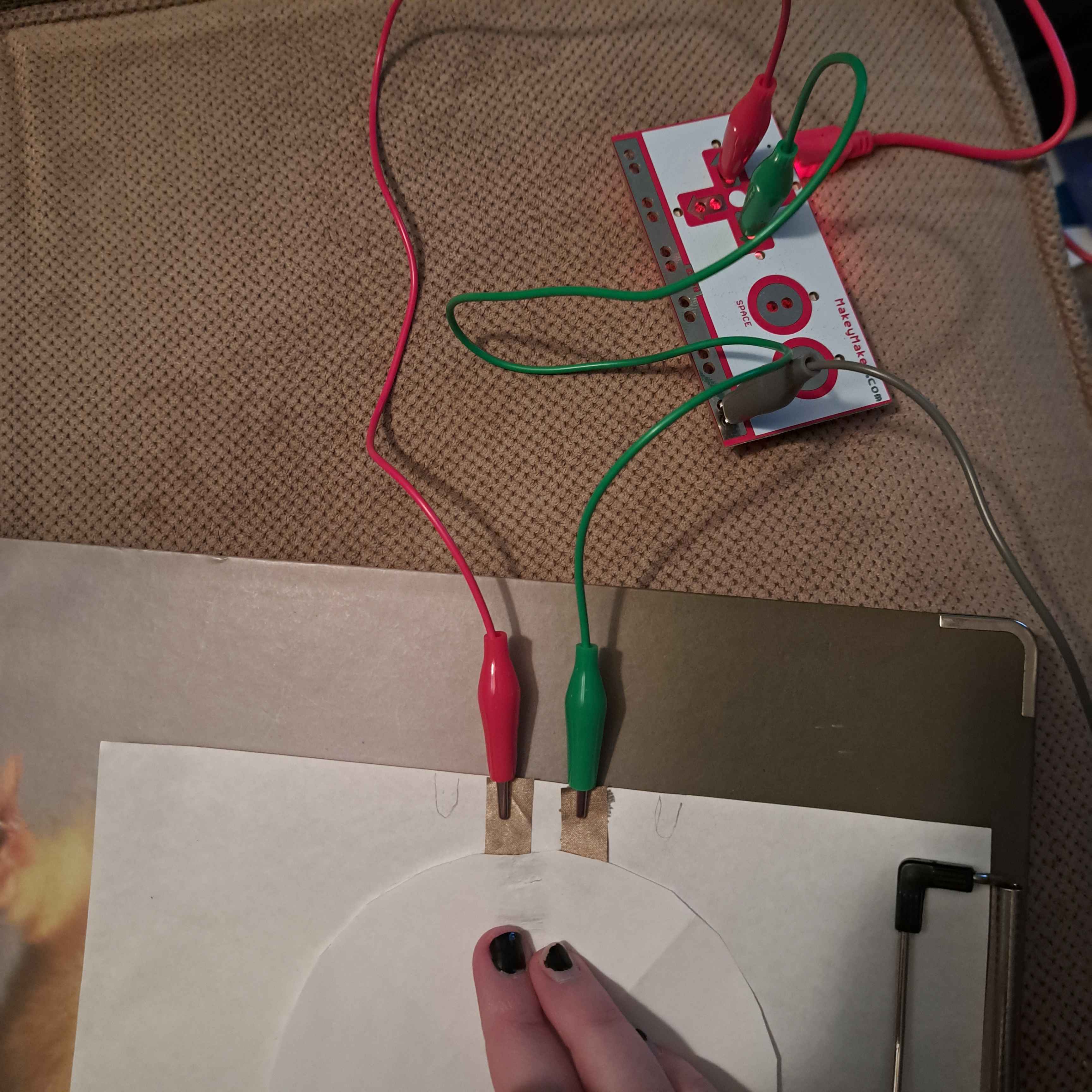
Module 3 Formstorming

Weekly Activity Template

student name put a description here or you will lose grades


Project 3


Module 3

working with P5 & the Makey Makey

Activity 1

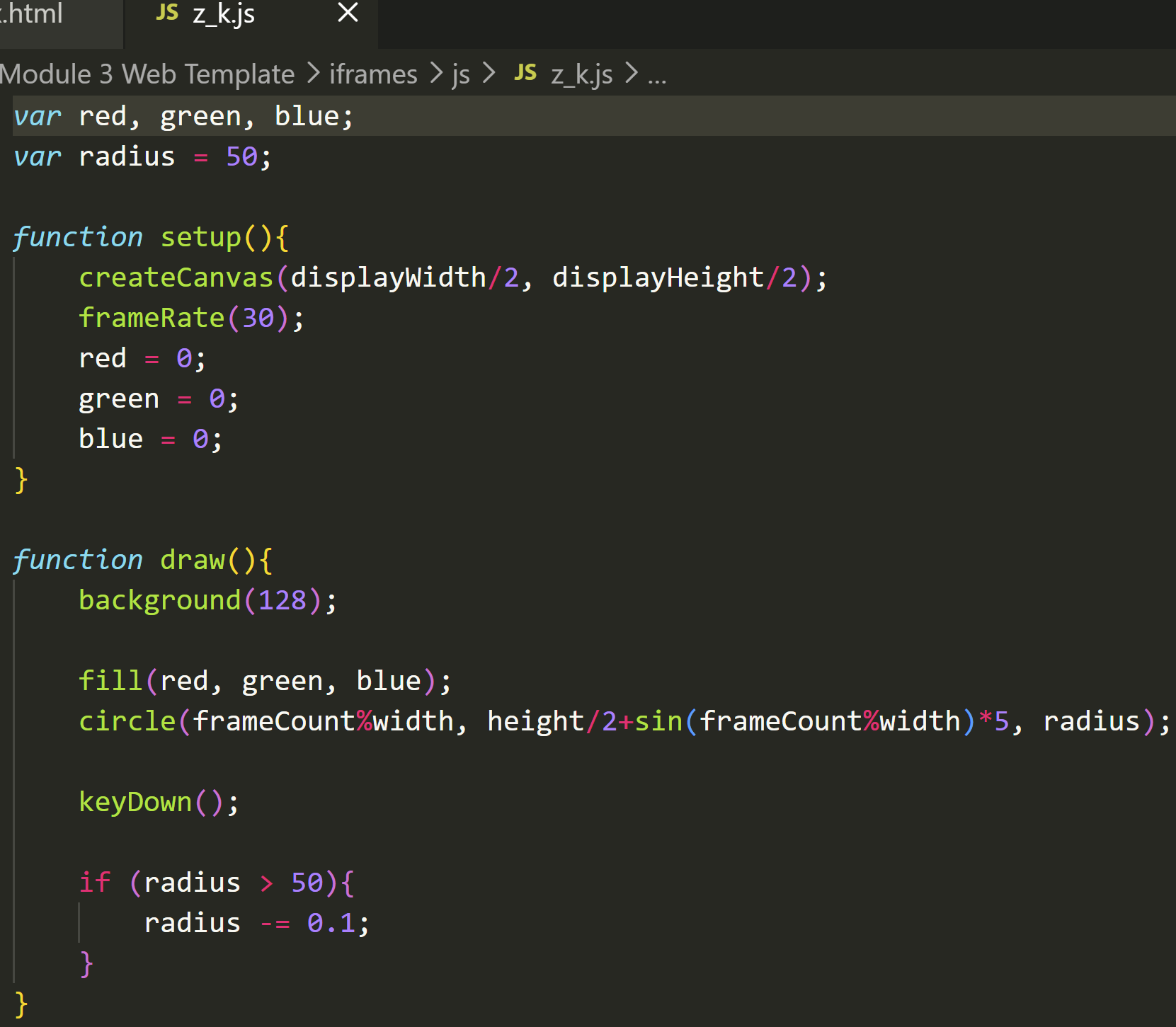
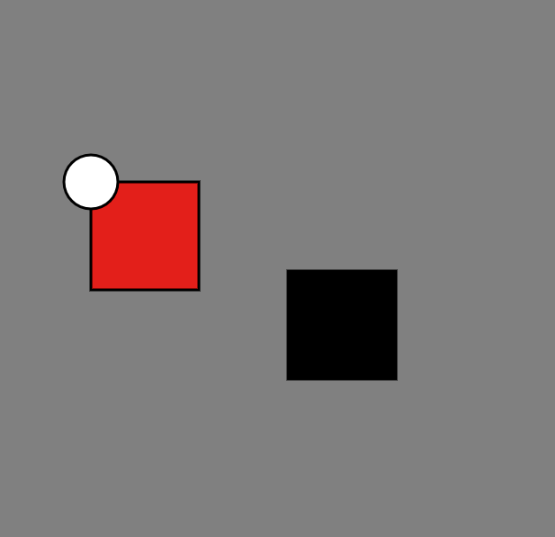
very primitive car game based on sketch1<iframe src='iframes/1.html'> 3 player loop racing game<iframe src='iframes/2.html'> simple maze prototype using left/right/up arrows<iframe src='iframes/3.html'> combining sketch & sketch3 to make a colour changing shape<iframe src='iframes/4.html'> tried to make a beating heart<br>does not currently work<iframe src='iframes/5.html'> tried to make snake but the apple refuses to be drawn<iframe src='iframes/6.html'> colourful spinner<br>up arrow to speed up, space to stop<iframe src='iframes/7.html'> trying something simpler<iframe src='iframes/8.html'> using arrows to change wave<br>next step is adding sound<iframe src='iframes/9.html'> adding sound<iframe src='iframes/a.html'> went back to #5 to try again<br>now holding space beats 'normally' & up arrow speeds it up<br>next step for the final is to figure out how to get the right bpm<iframe src='iframes/b.html'> fun little colouring kinda page<iframe src='iframes/c.html'> simple puzzle game to line up colours with the shaded region<br>uses arrows, each one controls multiple circles<iframe src='iframes/d.html'> click when the circles overlap, use left/right arrows to manually change speed<iframe src='iframes/e.html'> using keys to make sounds<iframe src='iframes/f.html'> trying a different visual<iframe src='iframes/g.html'> adding sound to #8<br>seems to only work once<iframe src='iframes/h.html'> moving circle with randomising background on spacebar<iframe src='iframes/i.html'> changed the background settings<iframe src='iframes/j.html'> tried to make #4 move but it doesn't work<iframe src='iframes/k.html'> now it works like it's supposed to<iframe src='iframes/l.html'> modified #2 to add size variation<iframe src='iframes/m.html'> added sound to #19<iframe src='iframes/n.html'> attempted a cookie themed game<br>almost didn't work but I finally caught the stupid error<iframe src='iframes/o.html'> just a simple game about putting a box in a hole<br>mouse click to grab/drop box<iframe src='iframes/p.html'>

Activity 2
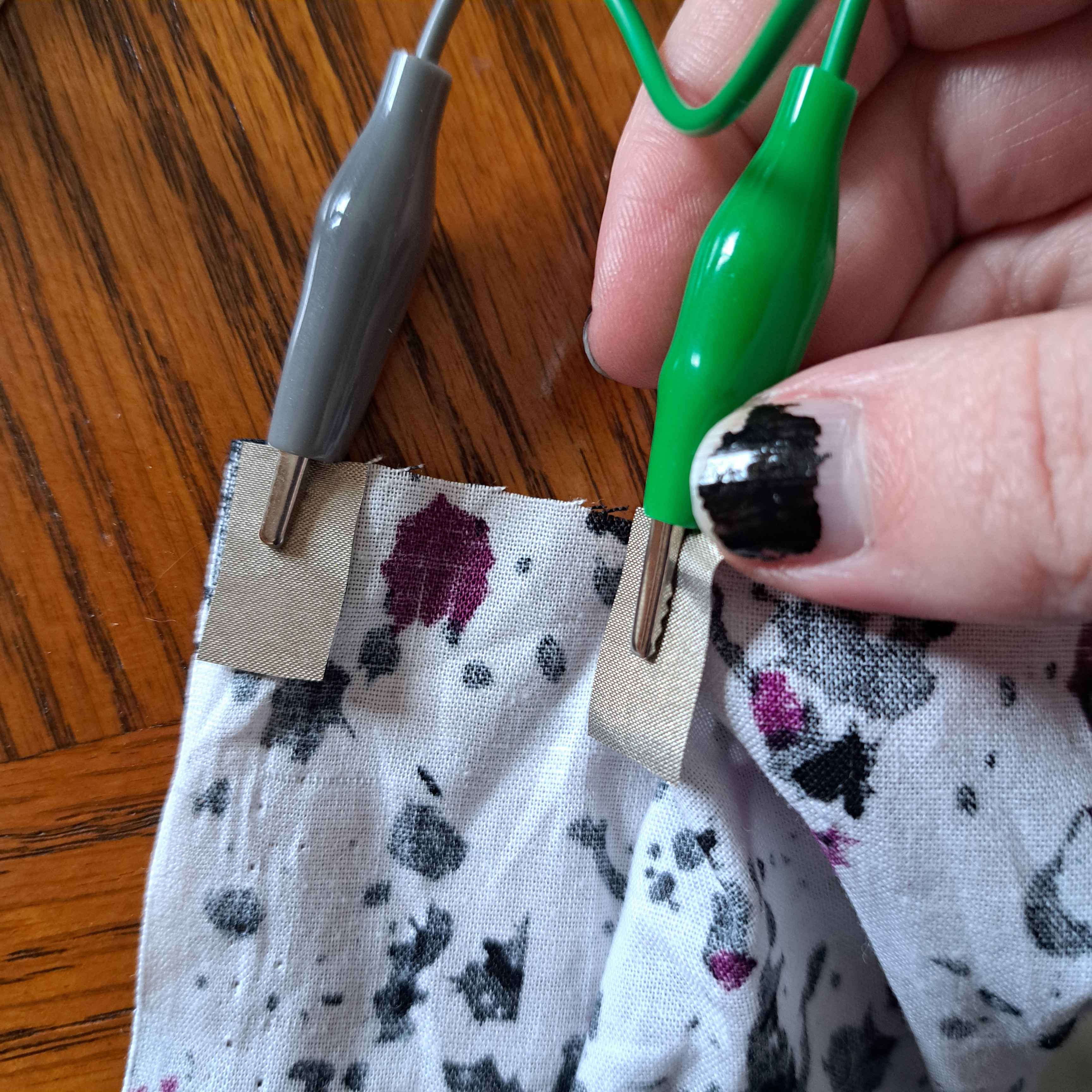
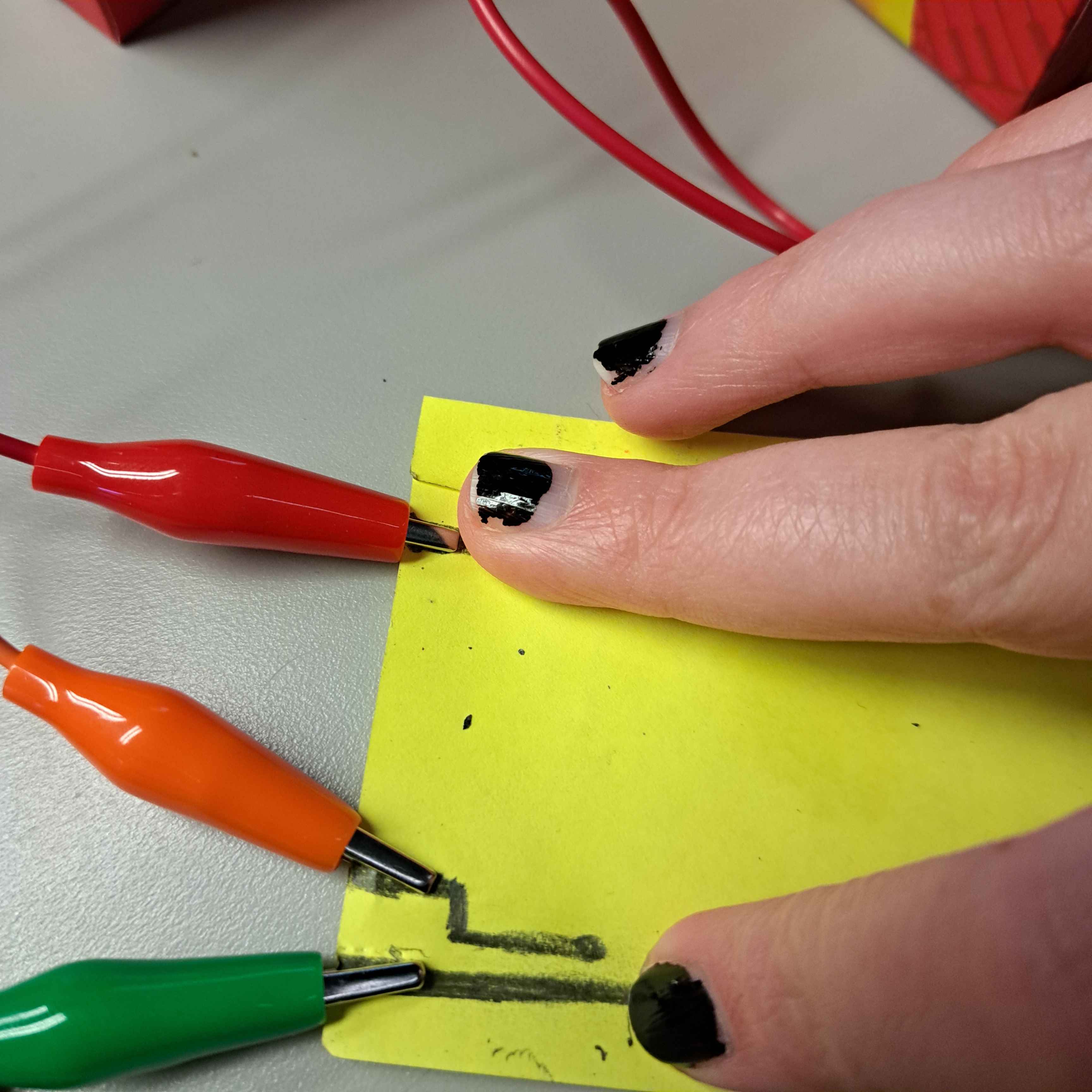
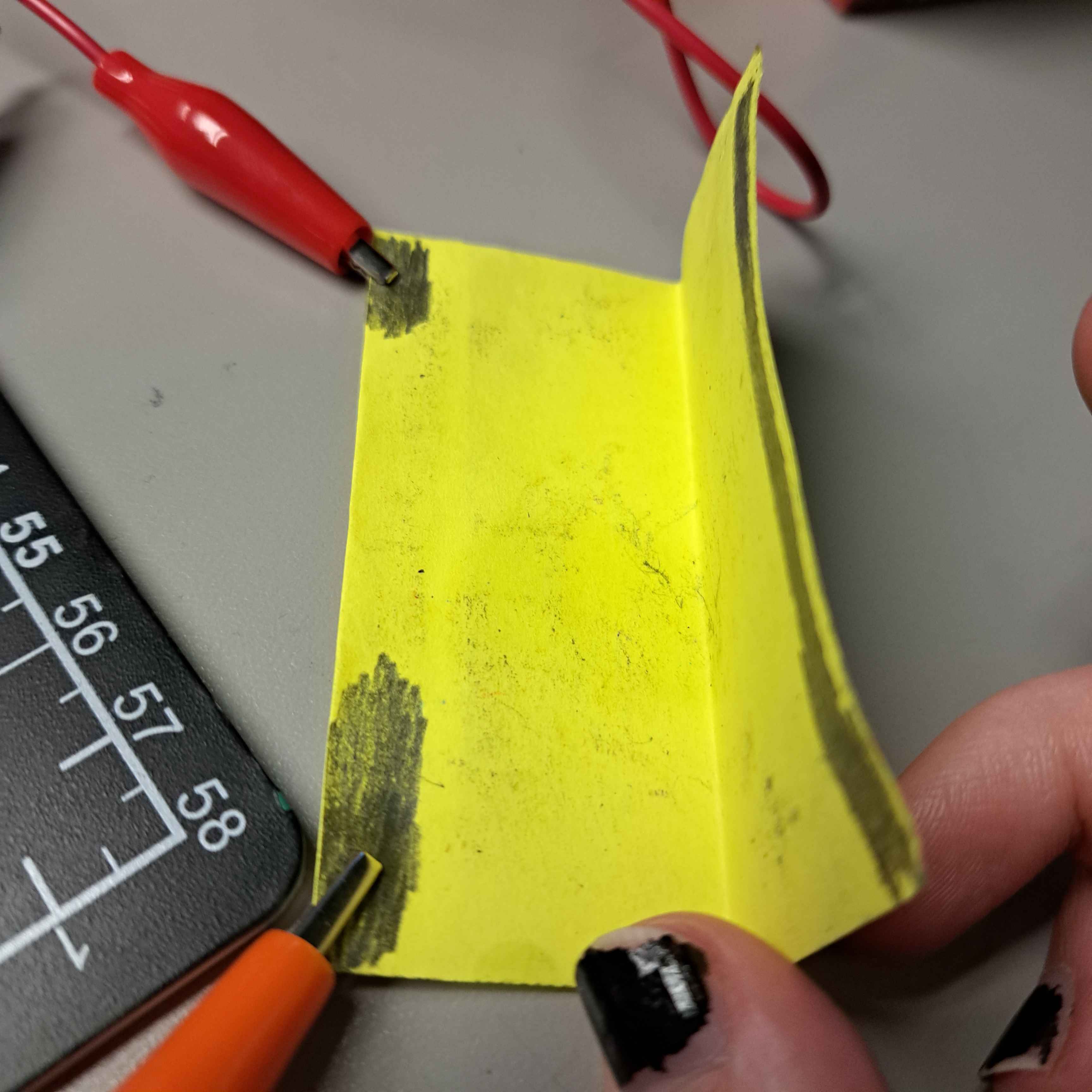
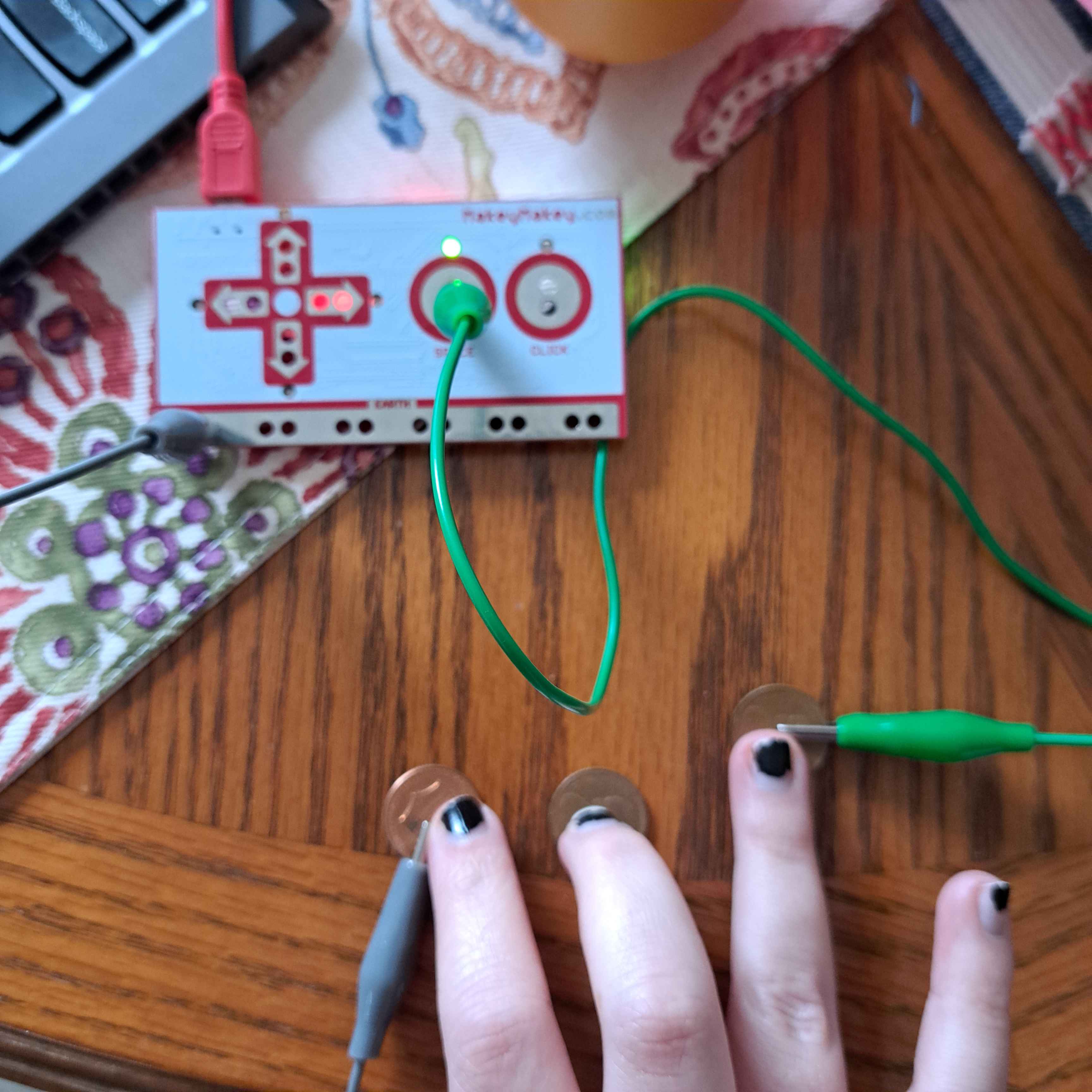
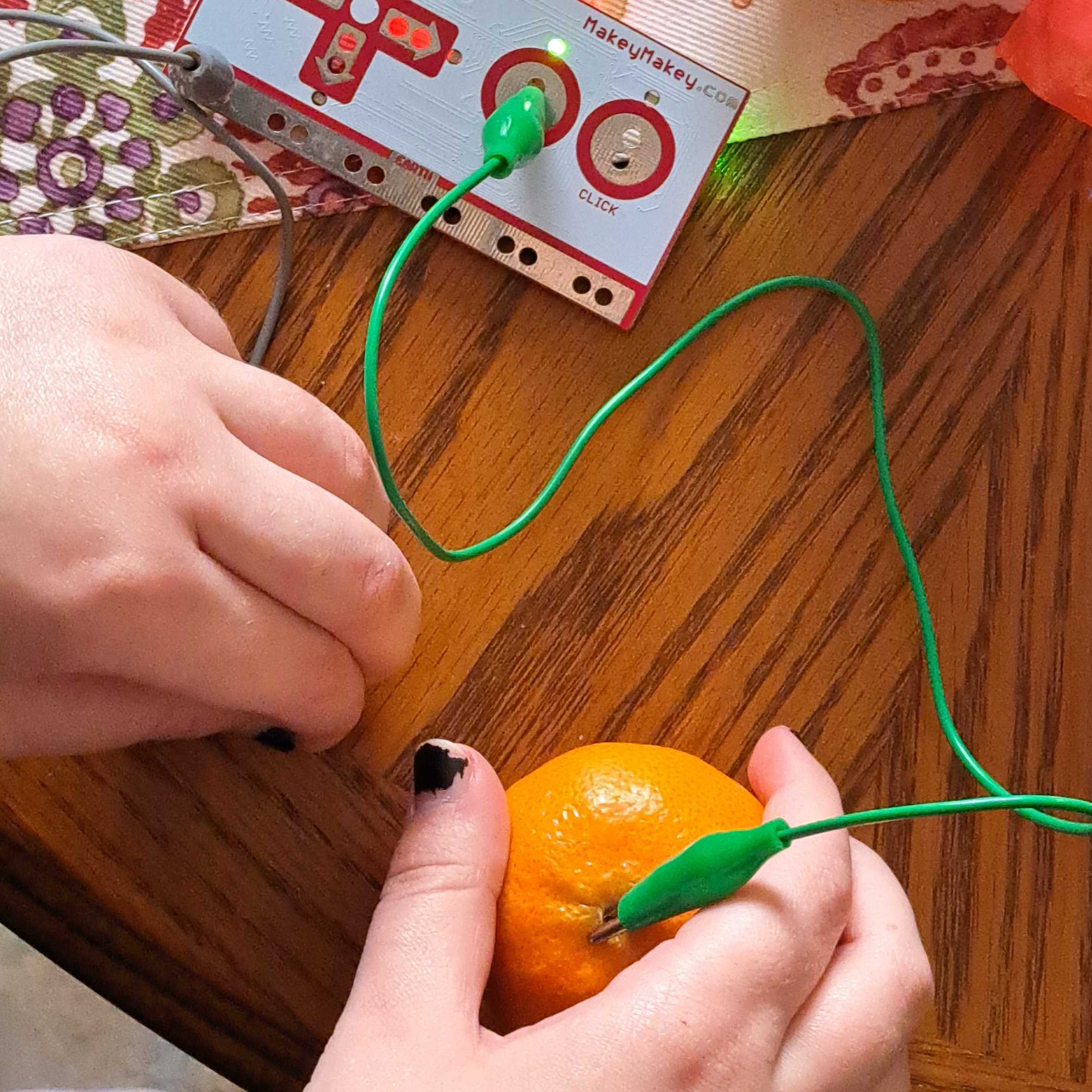
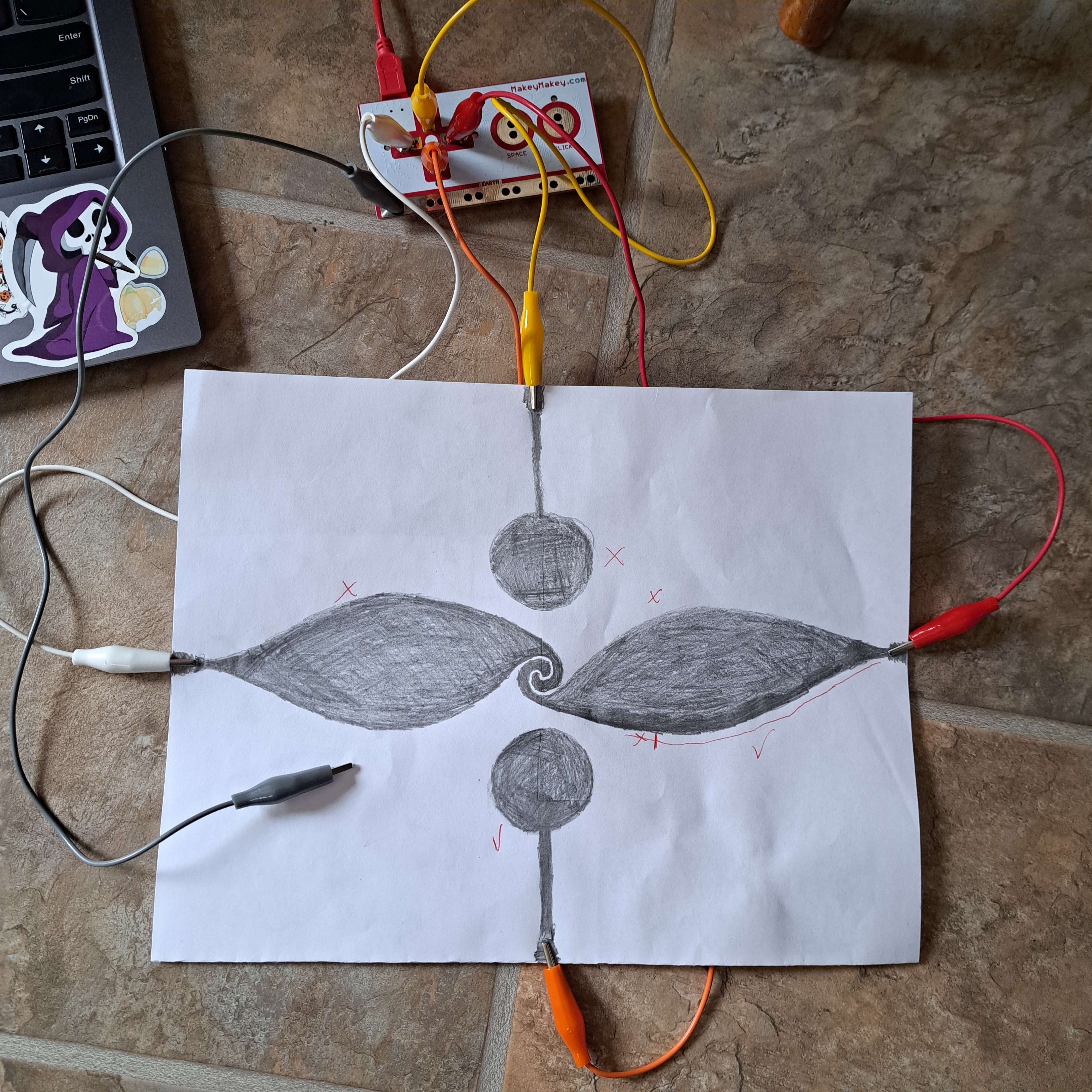
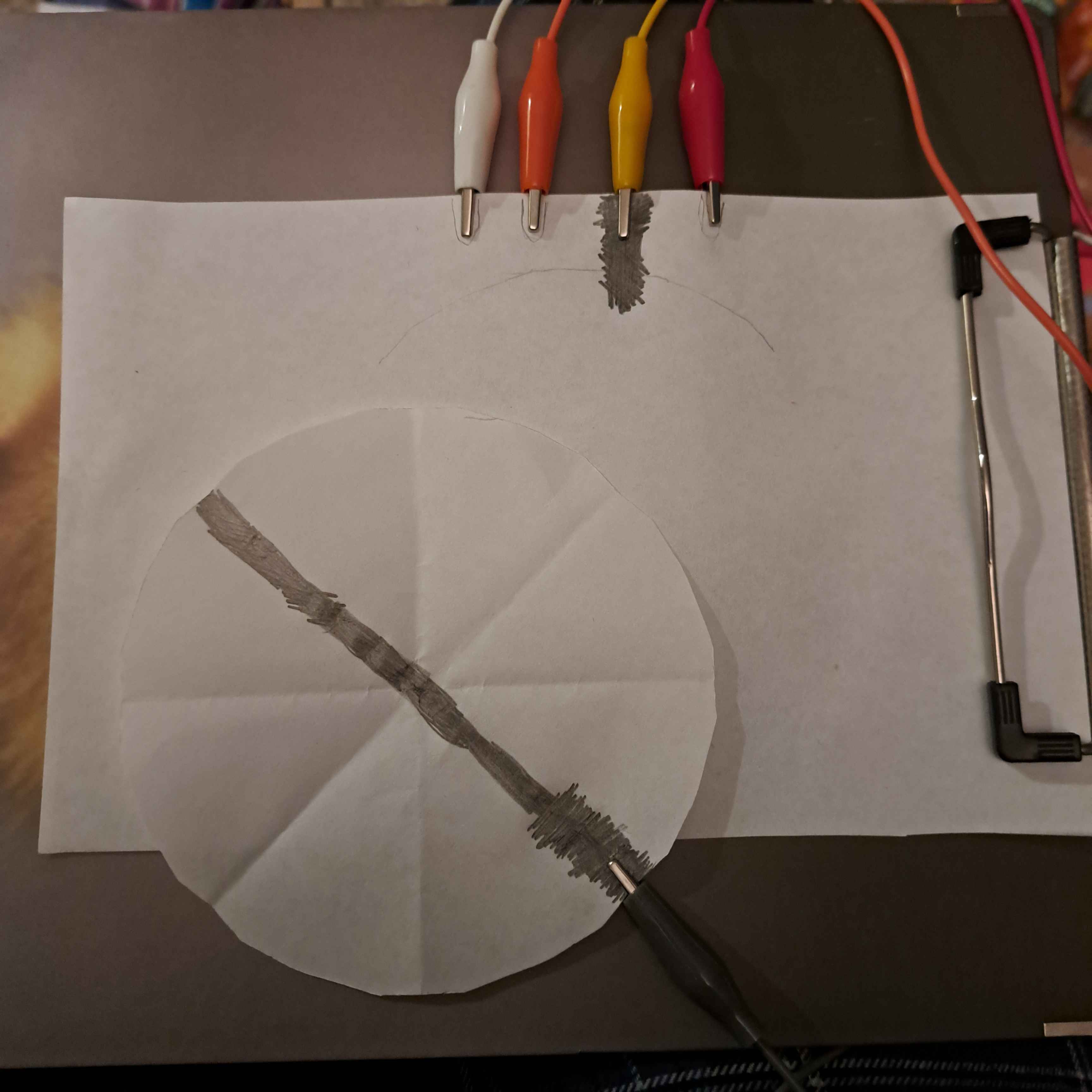
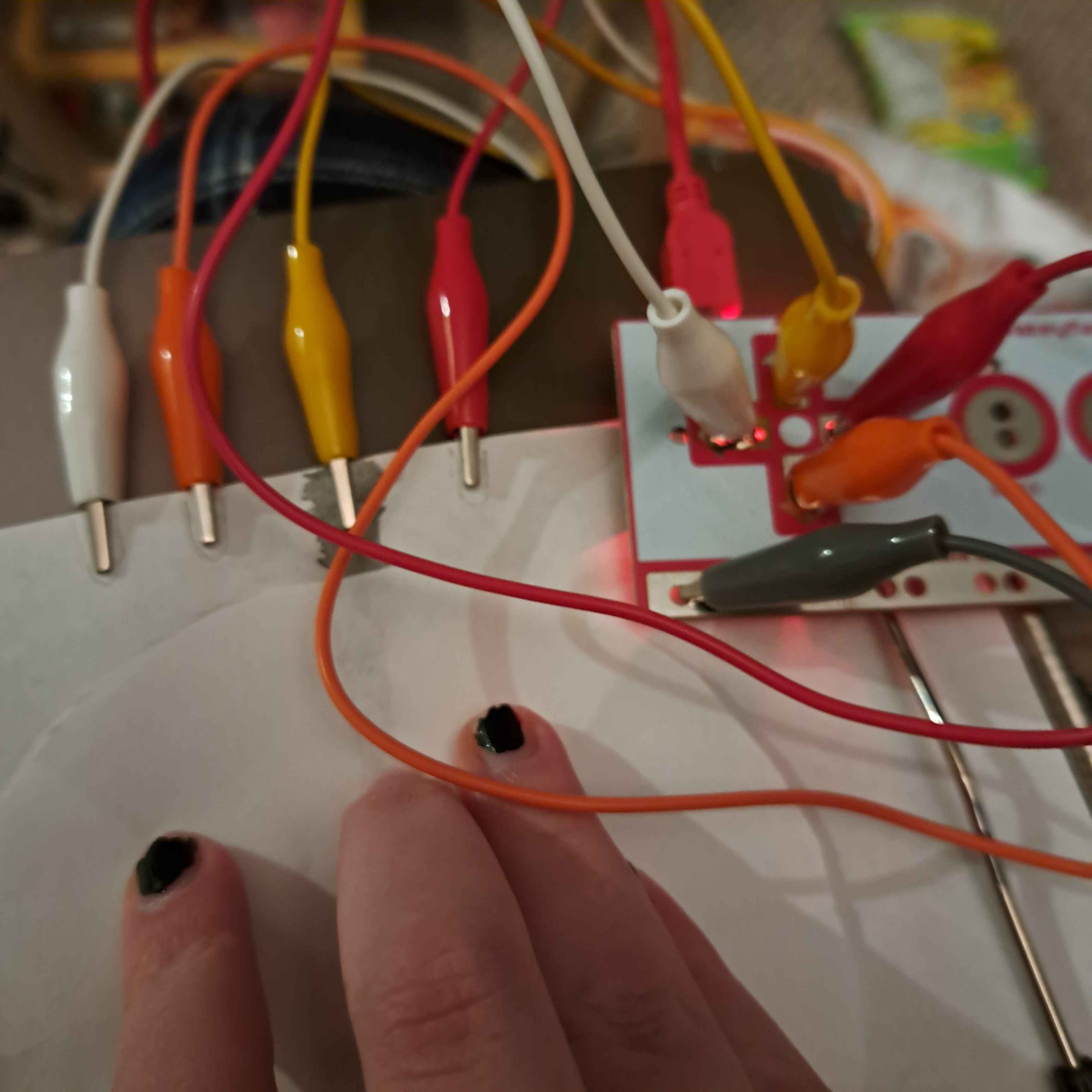
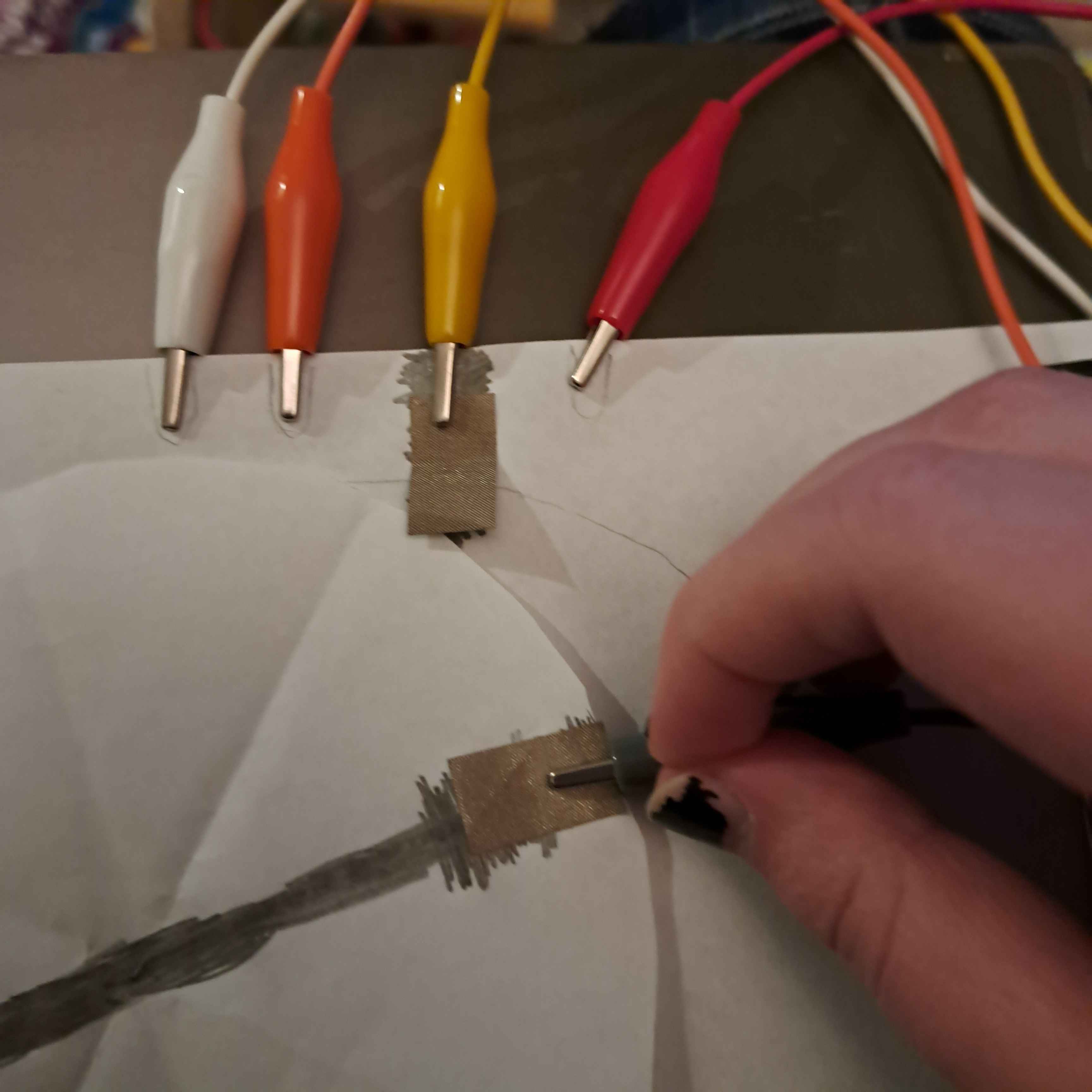
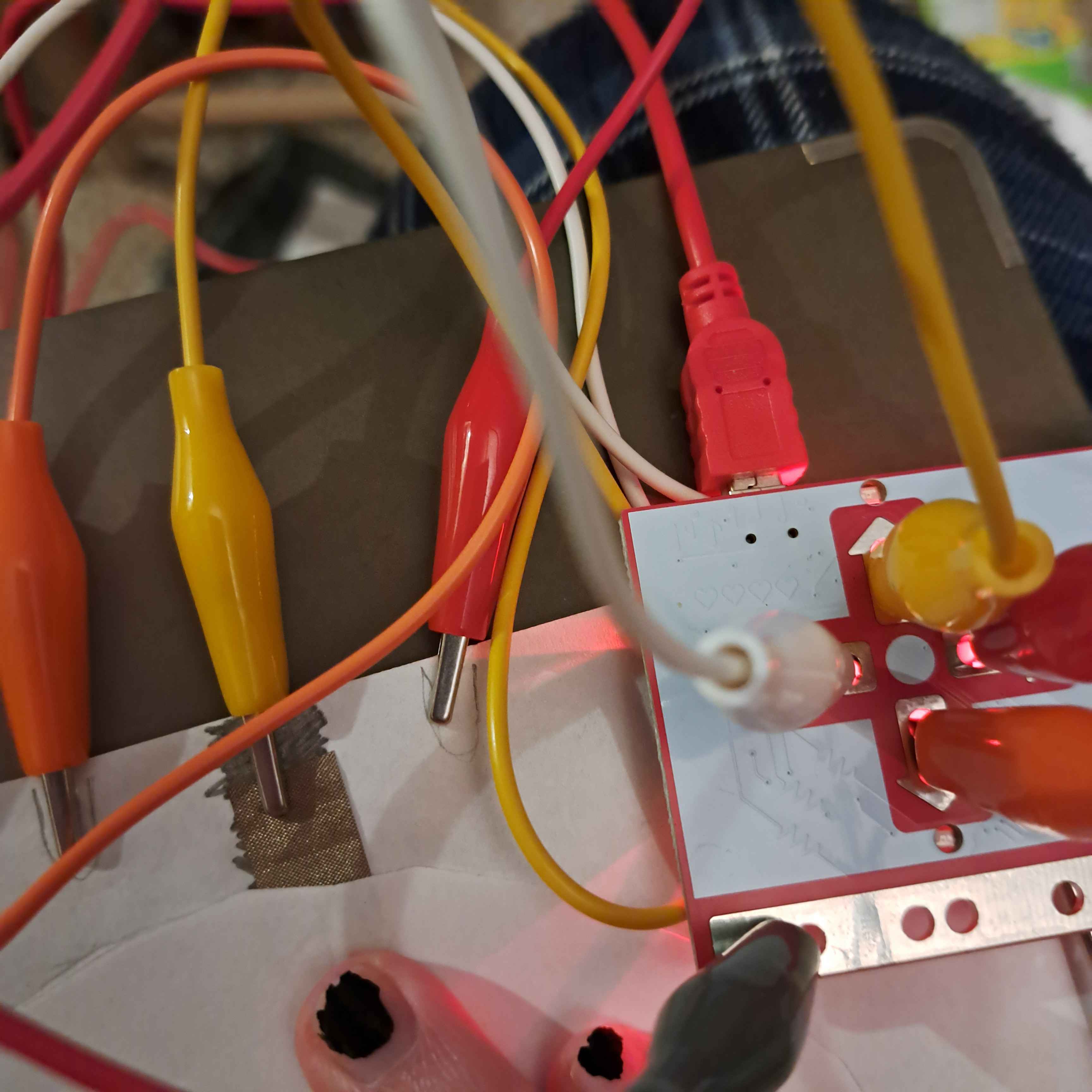
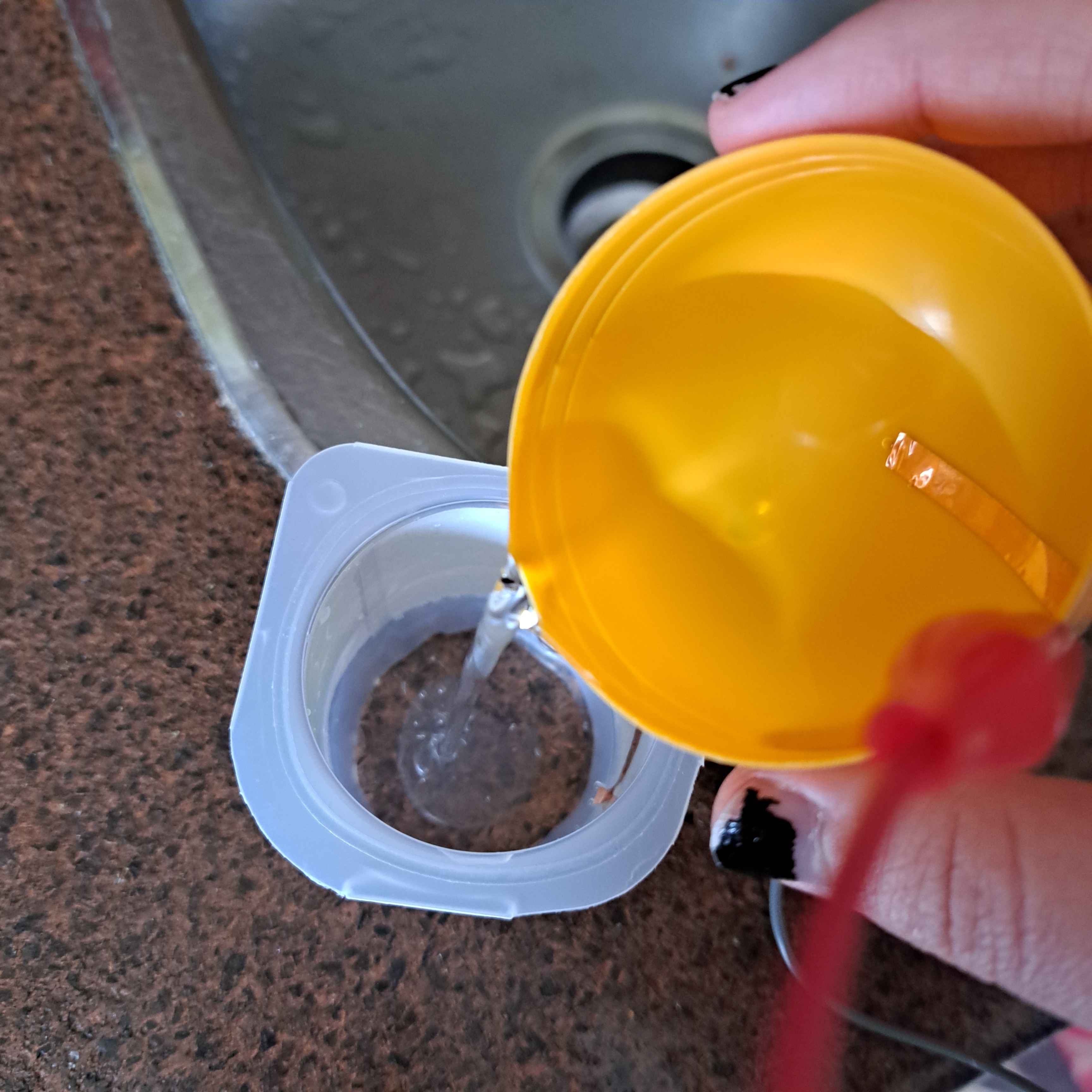
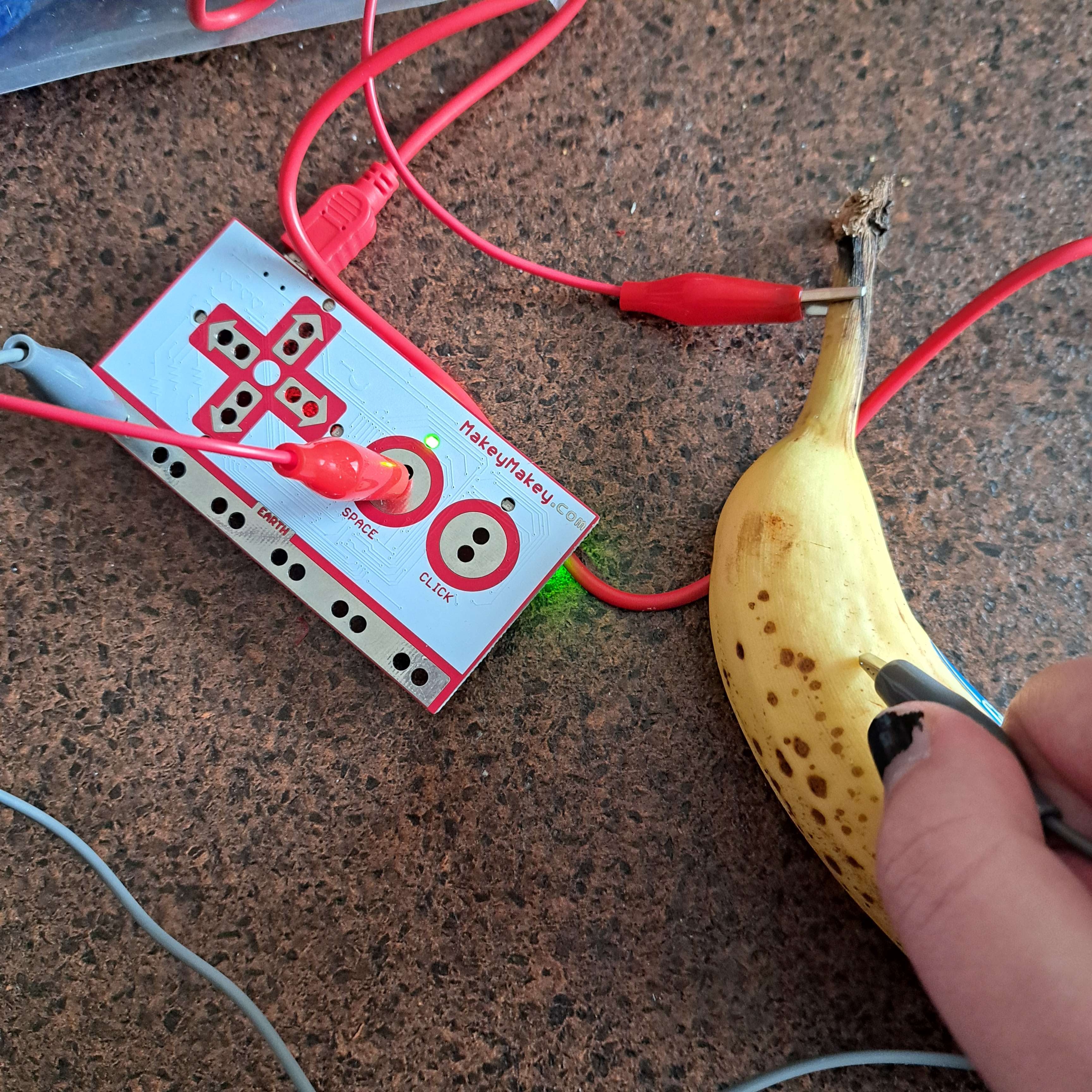
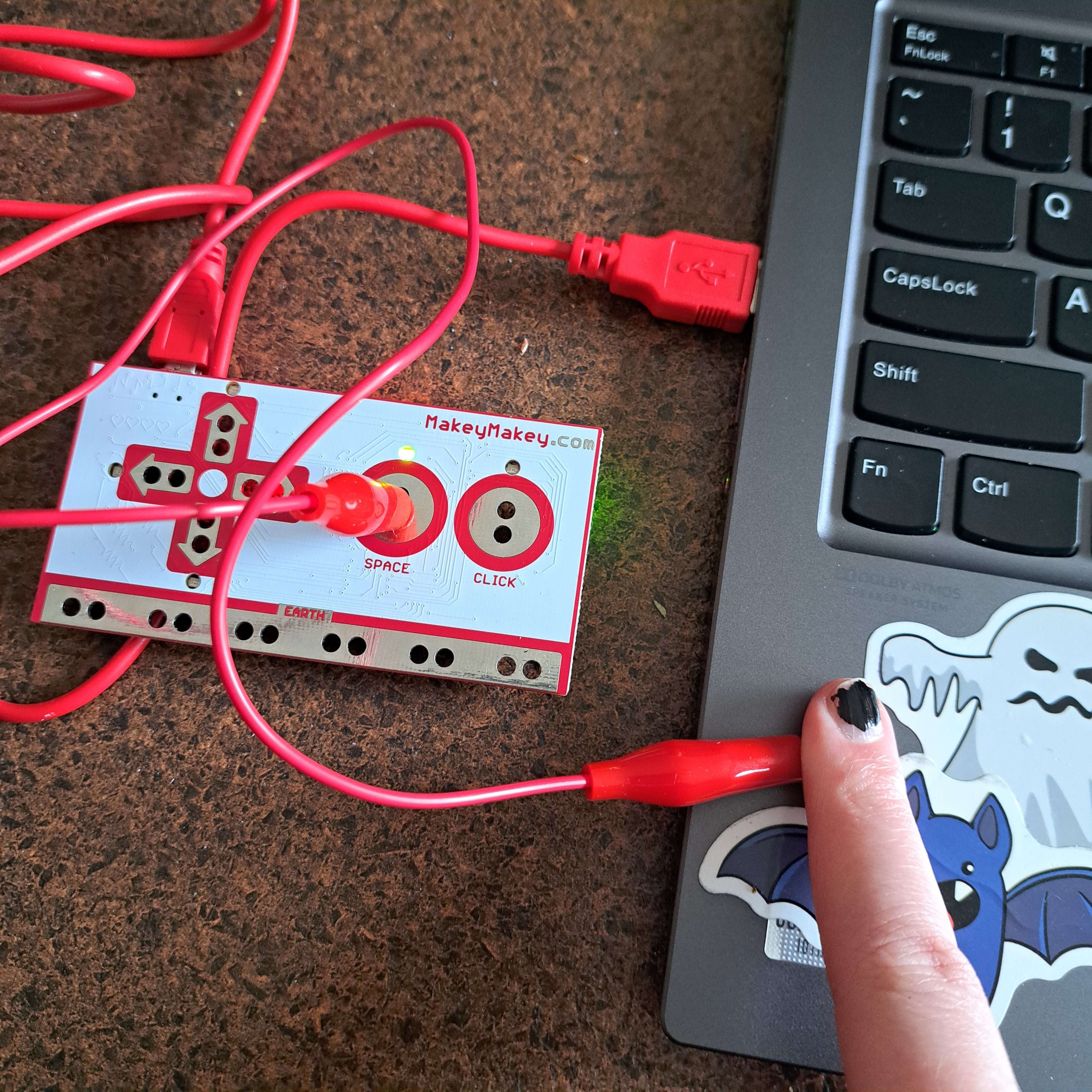
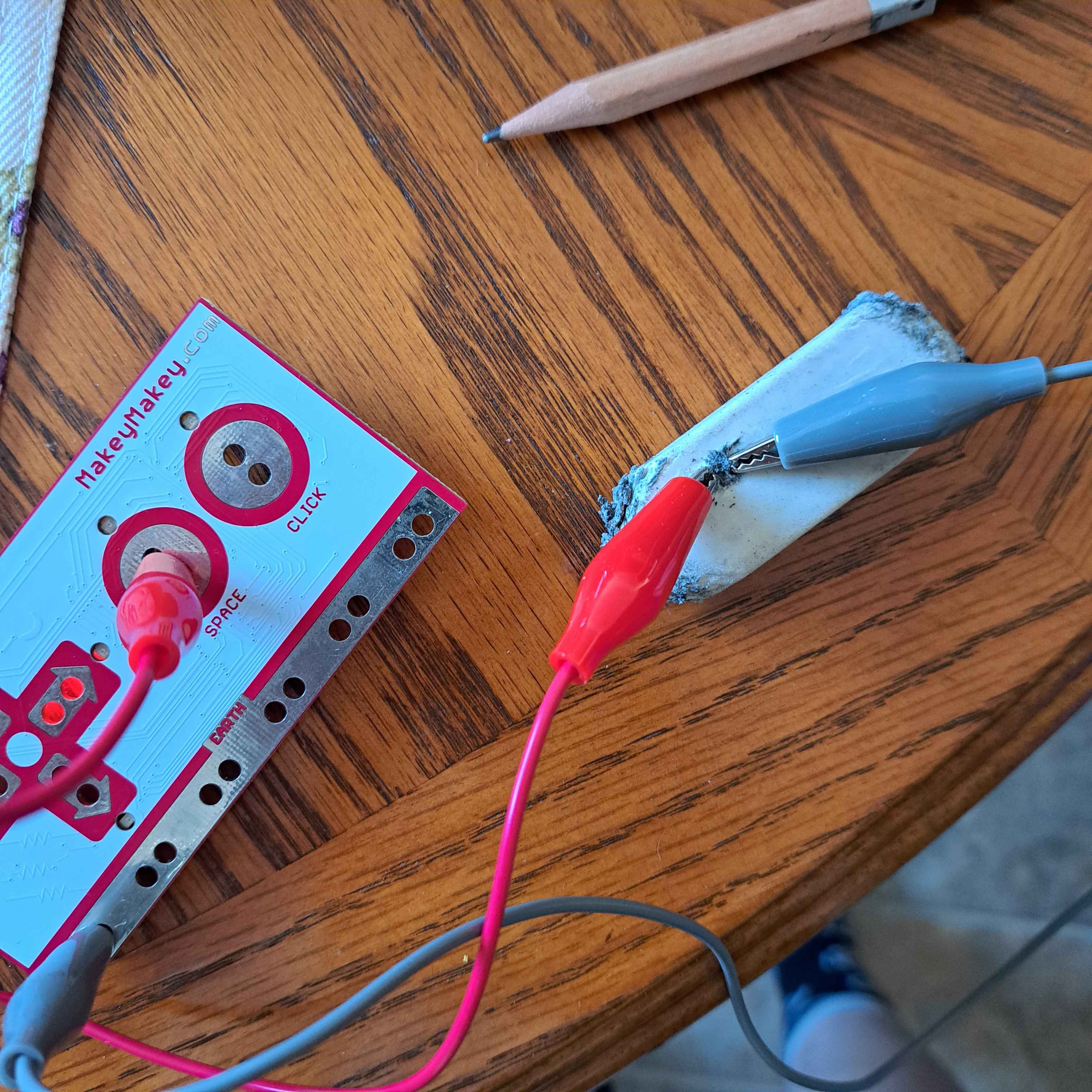
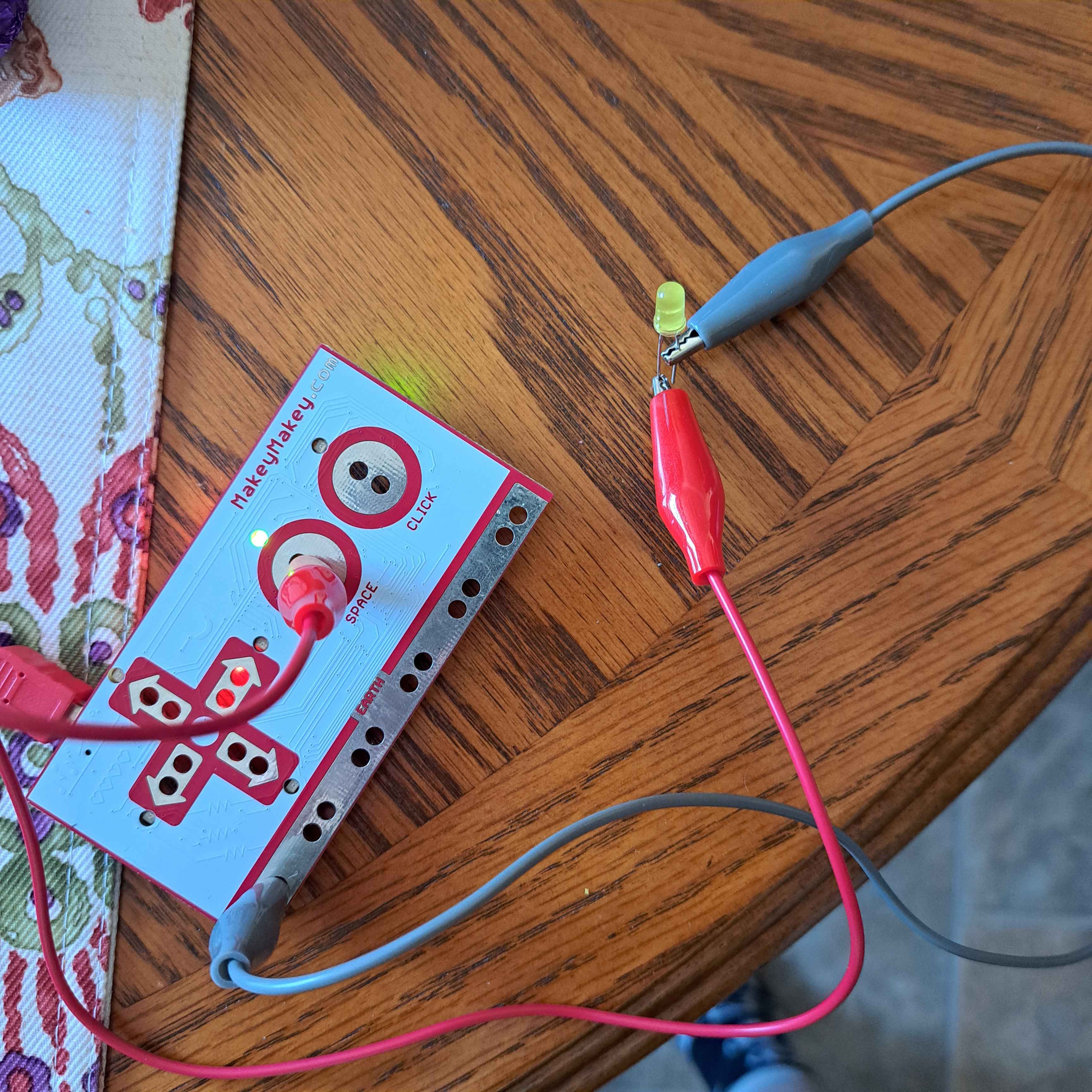
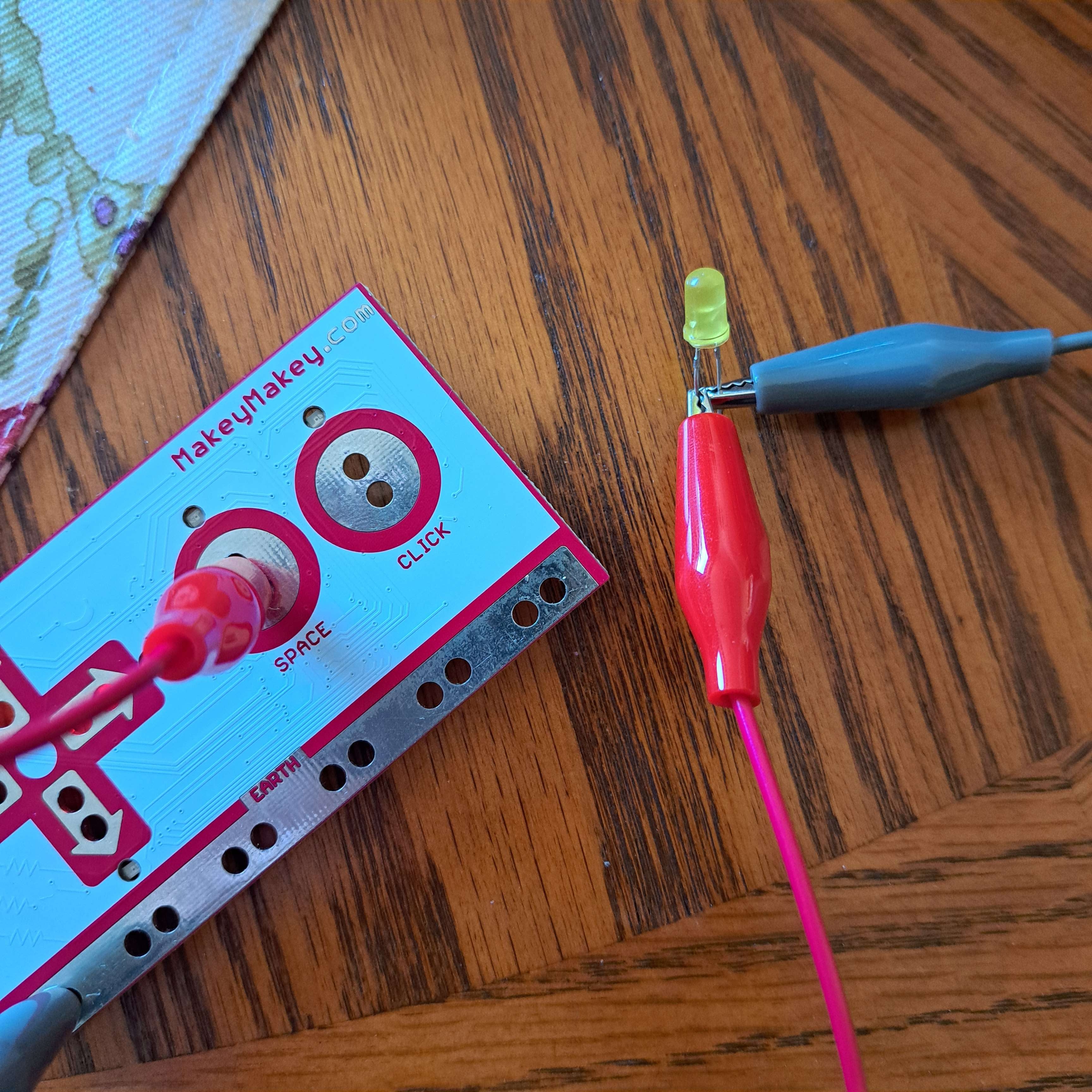
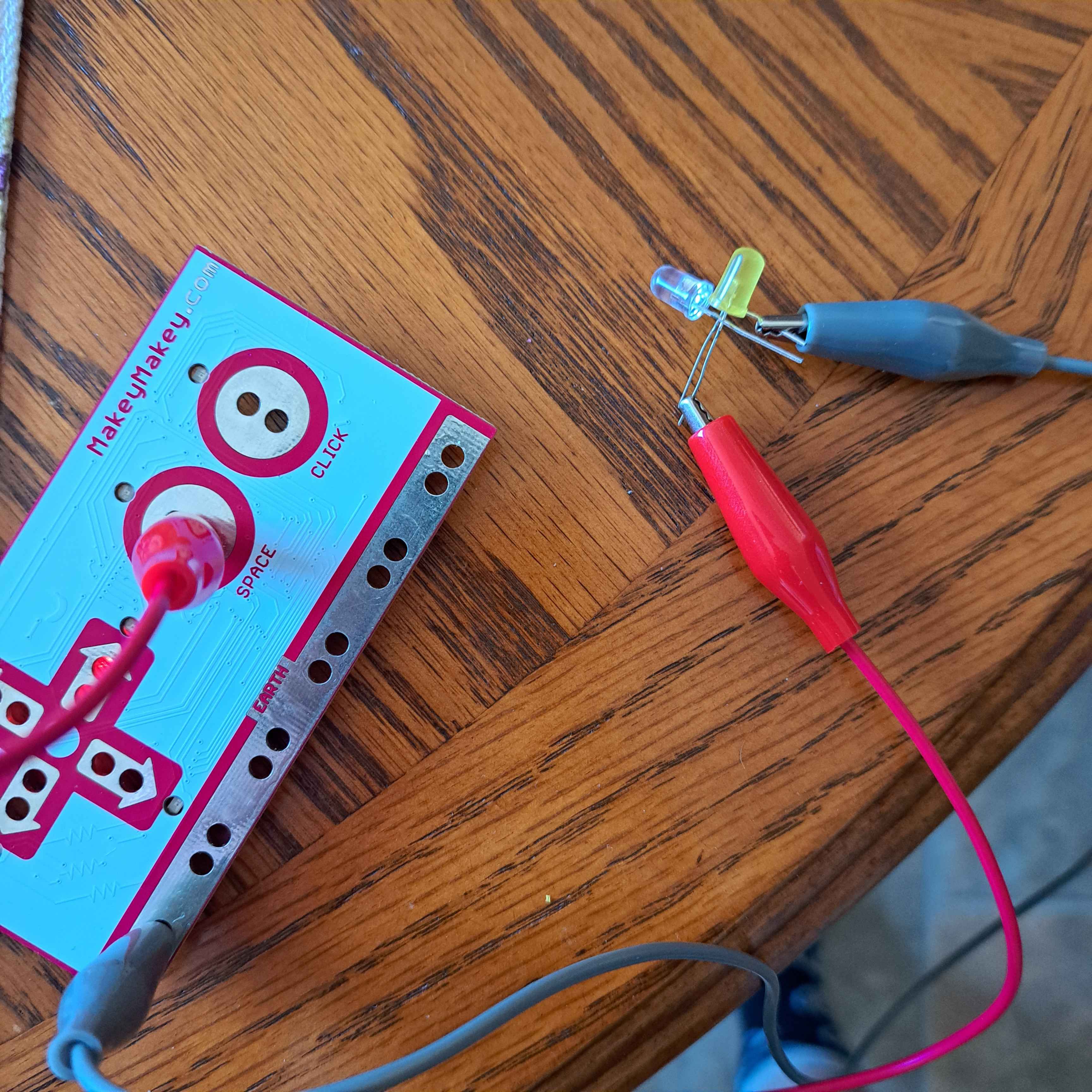
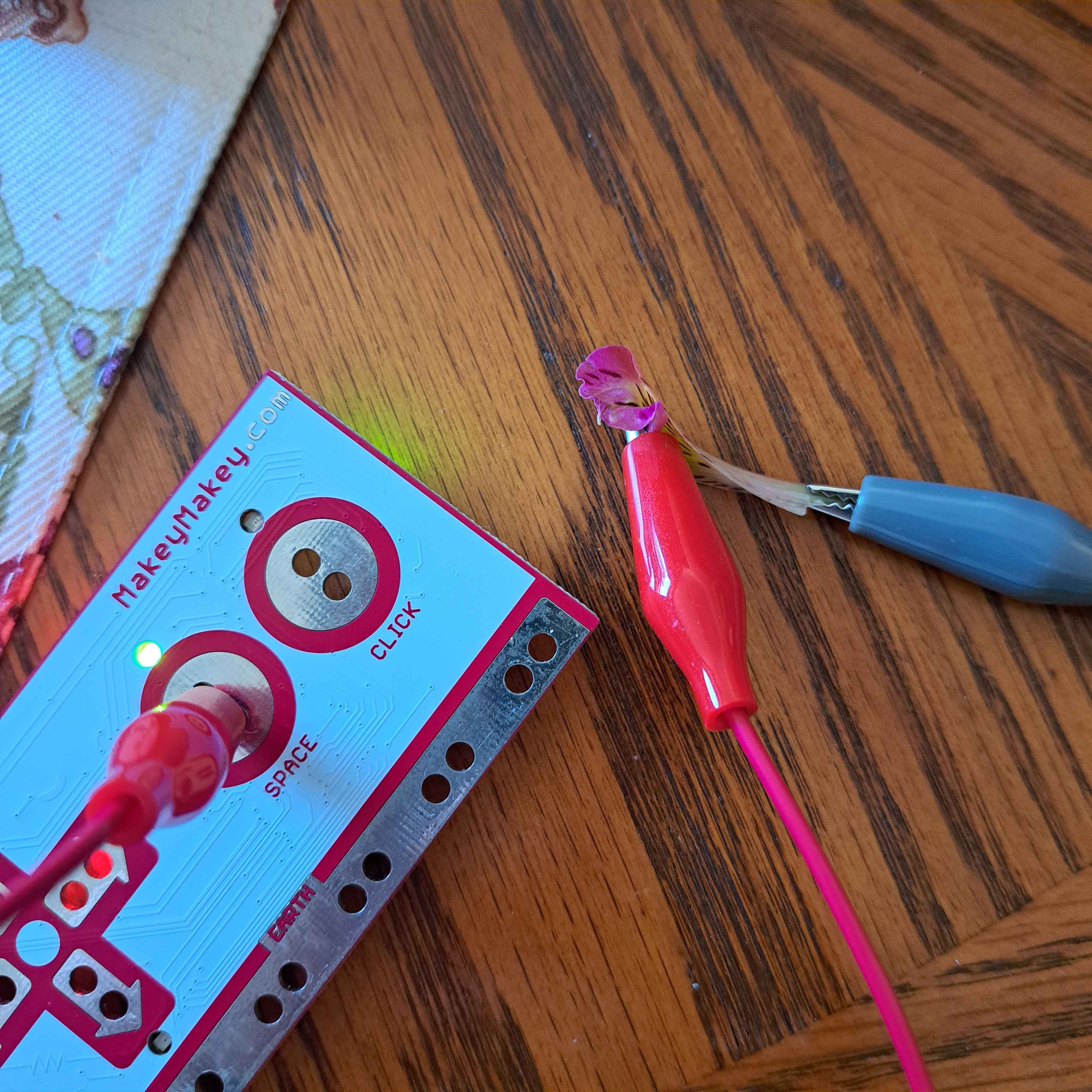
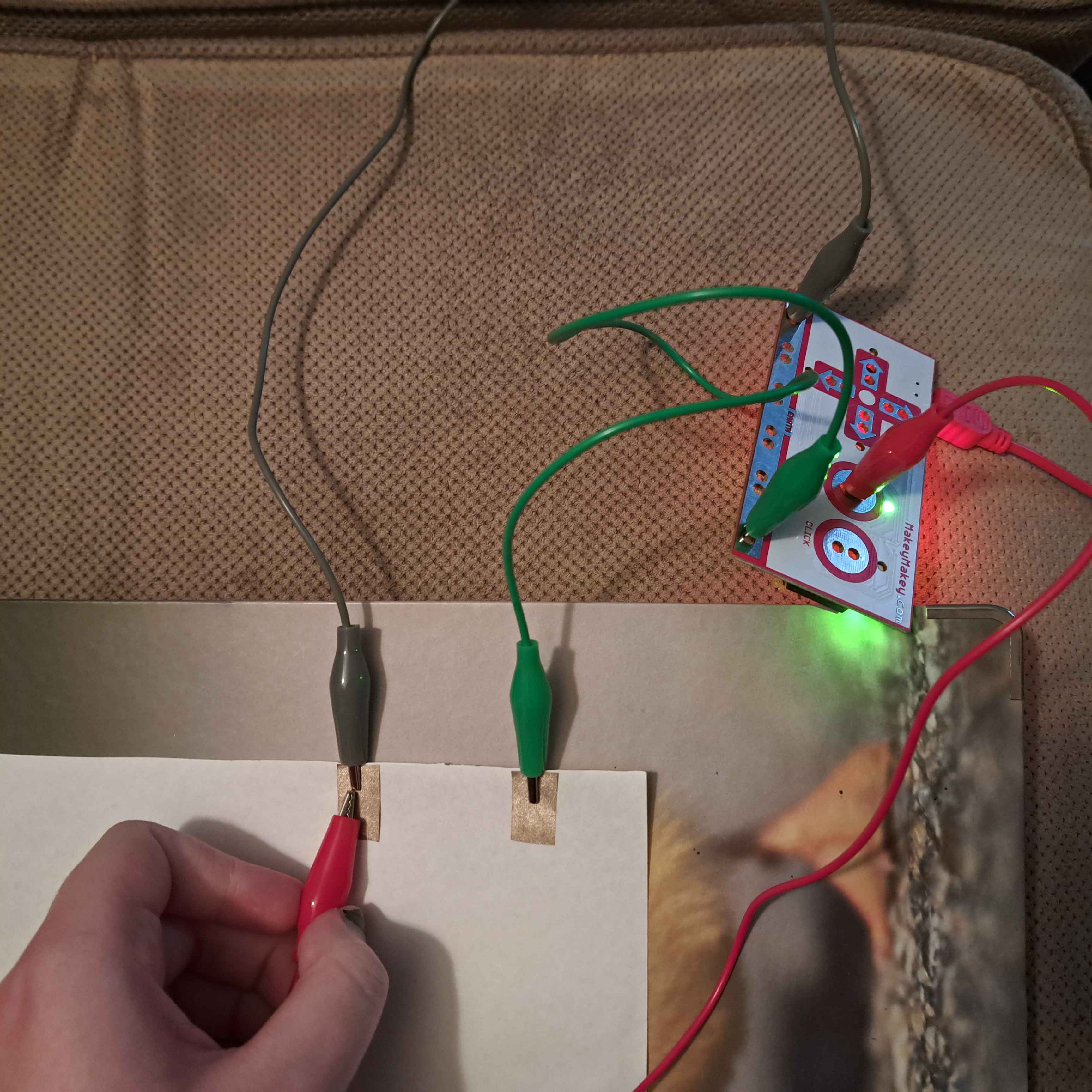
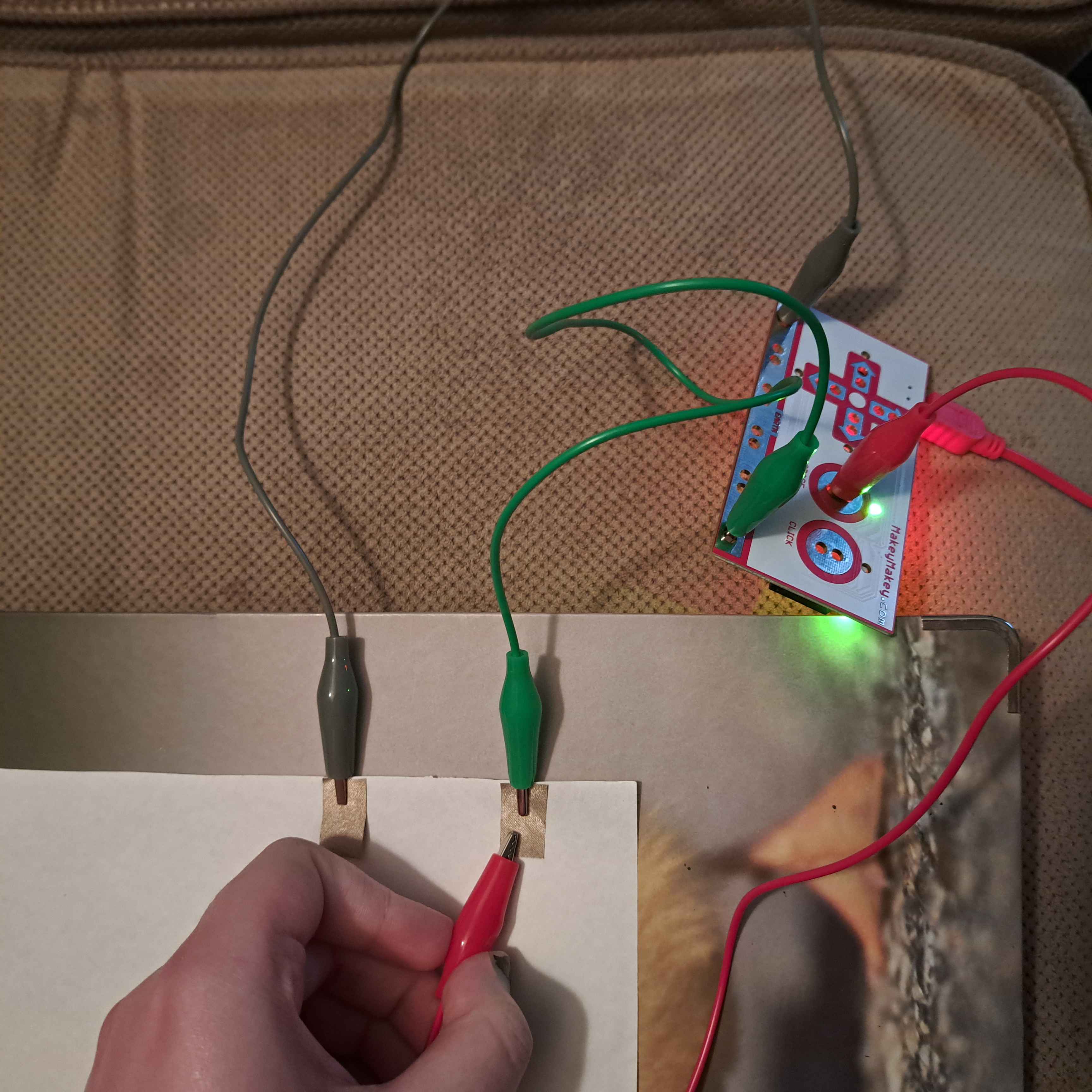
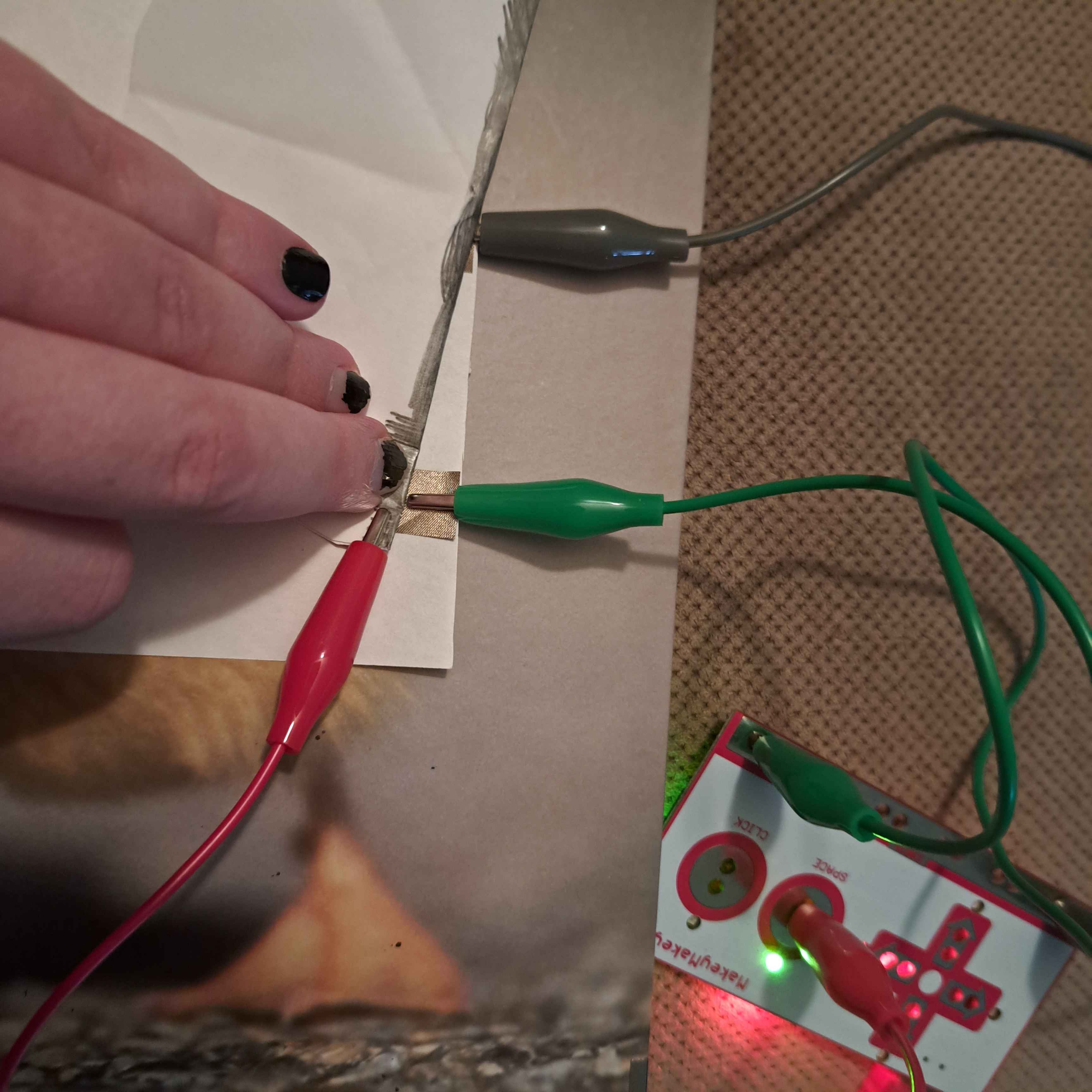
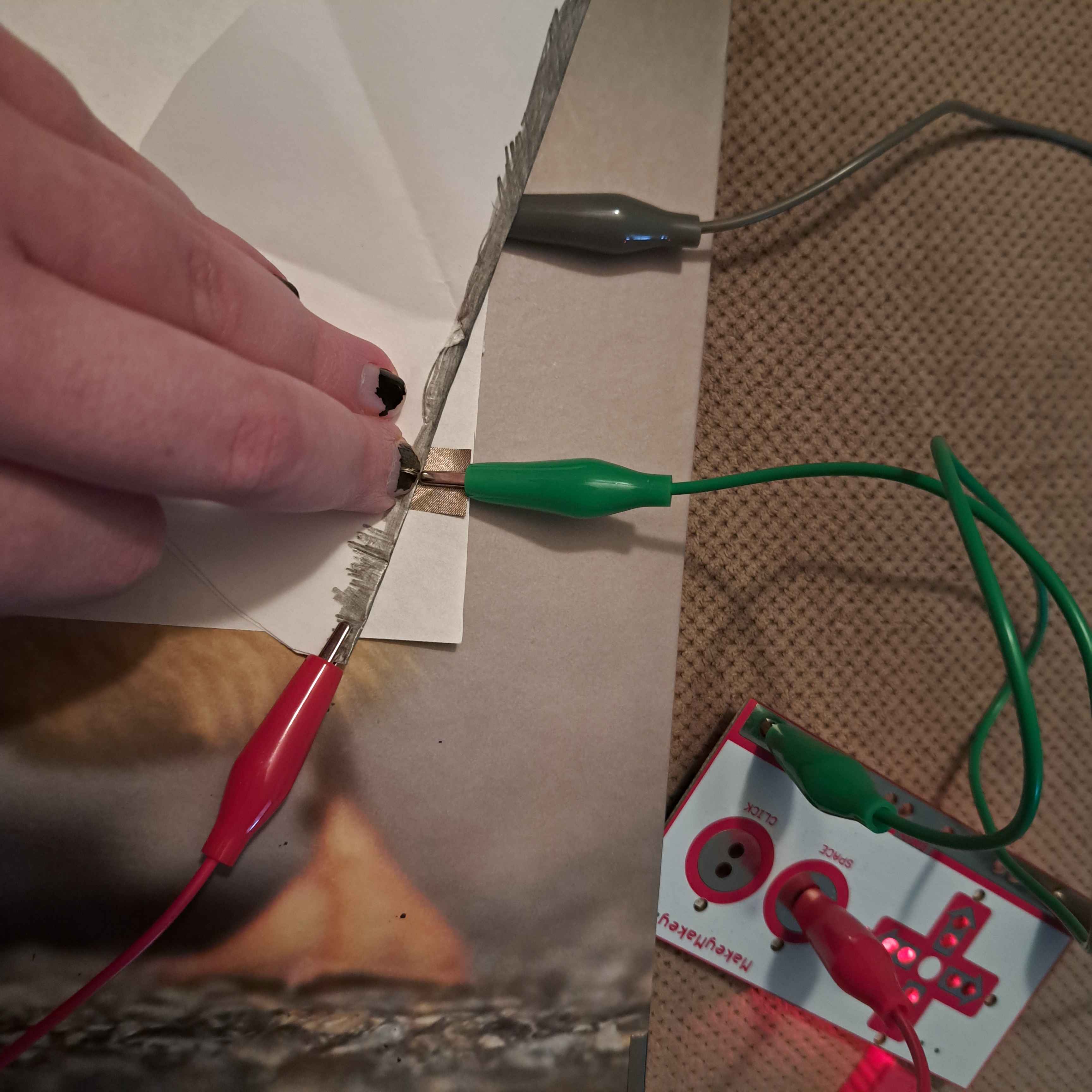
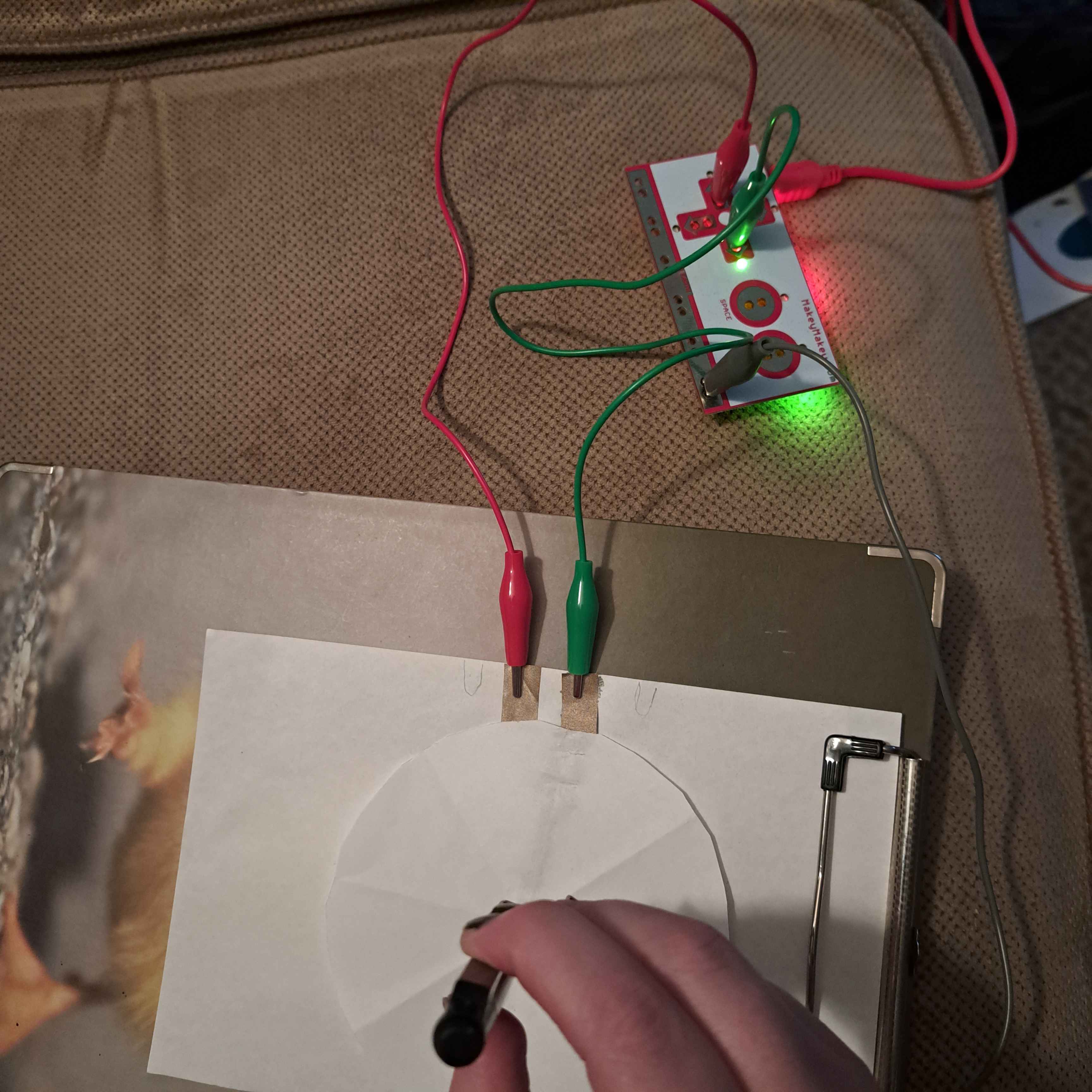
a simple graphite circuit where you slide your finger to control multiple buttons this folding design didn't work using coins to make a circuit with multiple breaks successful folding design using fabric testing conductivity of foods<br>oranges are conductive trying out graphite on a larger scale<br>it isn't as forgiving as I thought it would be first test of a spinner design it does not work tried adding conductive fabric to see if it helped clearly the issue is elsewhere using flowing water to close the circuit testing conductivity of foods part 2<br>bananas are conductive testing conductivity of foods part 3<br>strawberries are conductive I accidentally figured out how to circumnavigate grounding the rubber eraser is too insulating for the graphite on its surface to be conductive I wanted to see if the LED would turn on, but the circuit works at least I double checked I had the LED the right way, sure enough this doesn't work it doesn't work if the current goes through multiple LEDs testing conductivity of foods (& plants)<br>flower petals are conductive using multiple ground wires to make an OR gate double checking that the other part of the OR gate works testing the spinner again<br>it works right at the clip more spinner testing<br>it only works right at the clip giving up and using copper tape to make the spinner work the spinner is struggling a bit even still

Project 3


Final Project 3 Design

Exploring touch
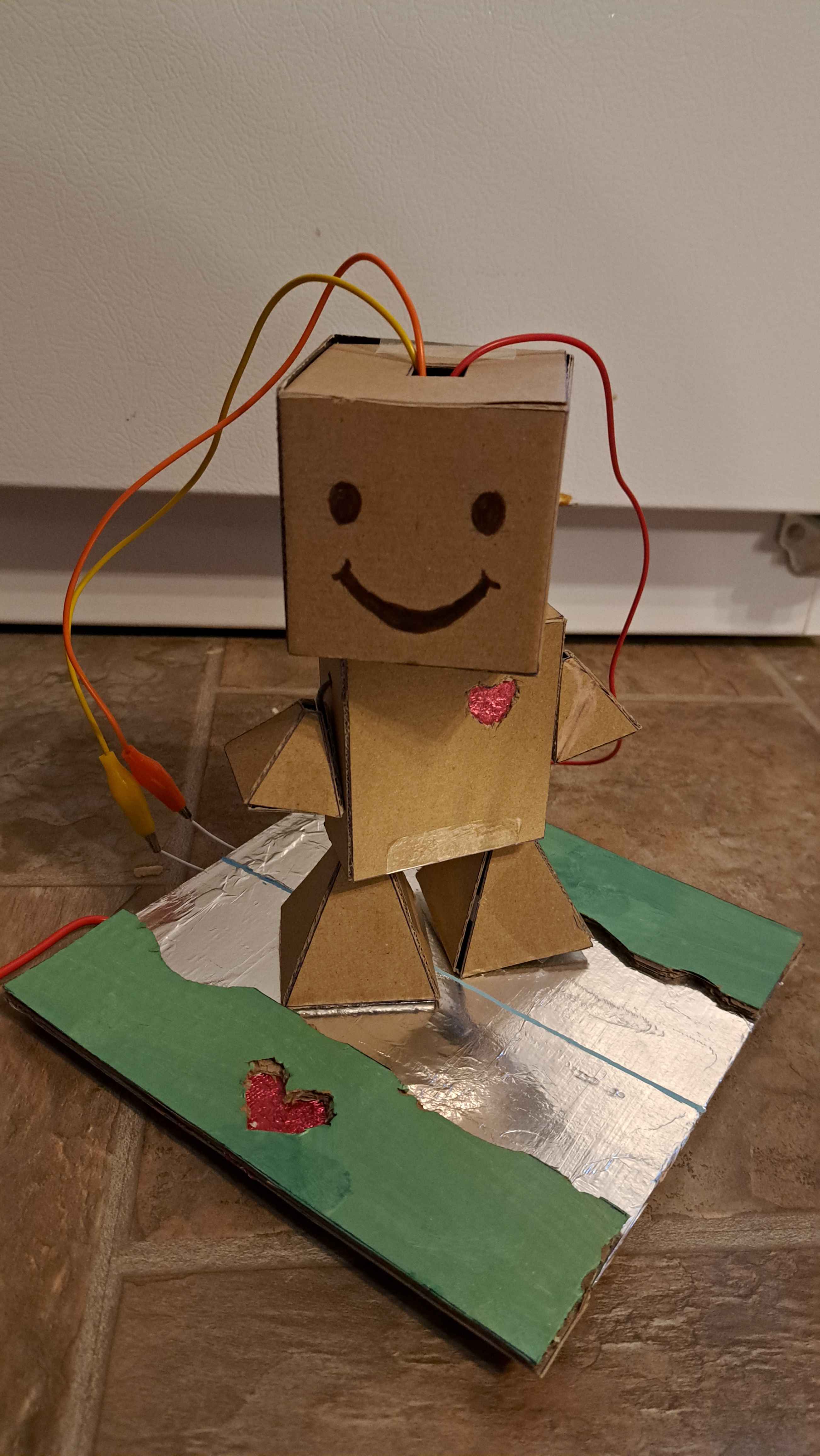
Introducing Run Buddy, the king of cardio<br><a href='../p5jsmmb3'>see more here</a>
×

Powered by w3.css