Physical Computing

Weekly Activity Template

Rai Carbin


Module 1


Activity Research

Experimenting with new technologies to figure out what's fun/useful

Activity 1
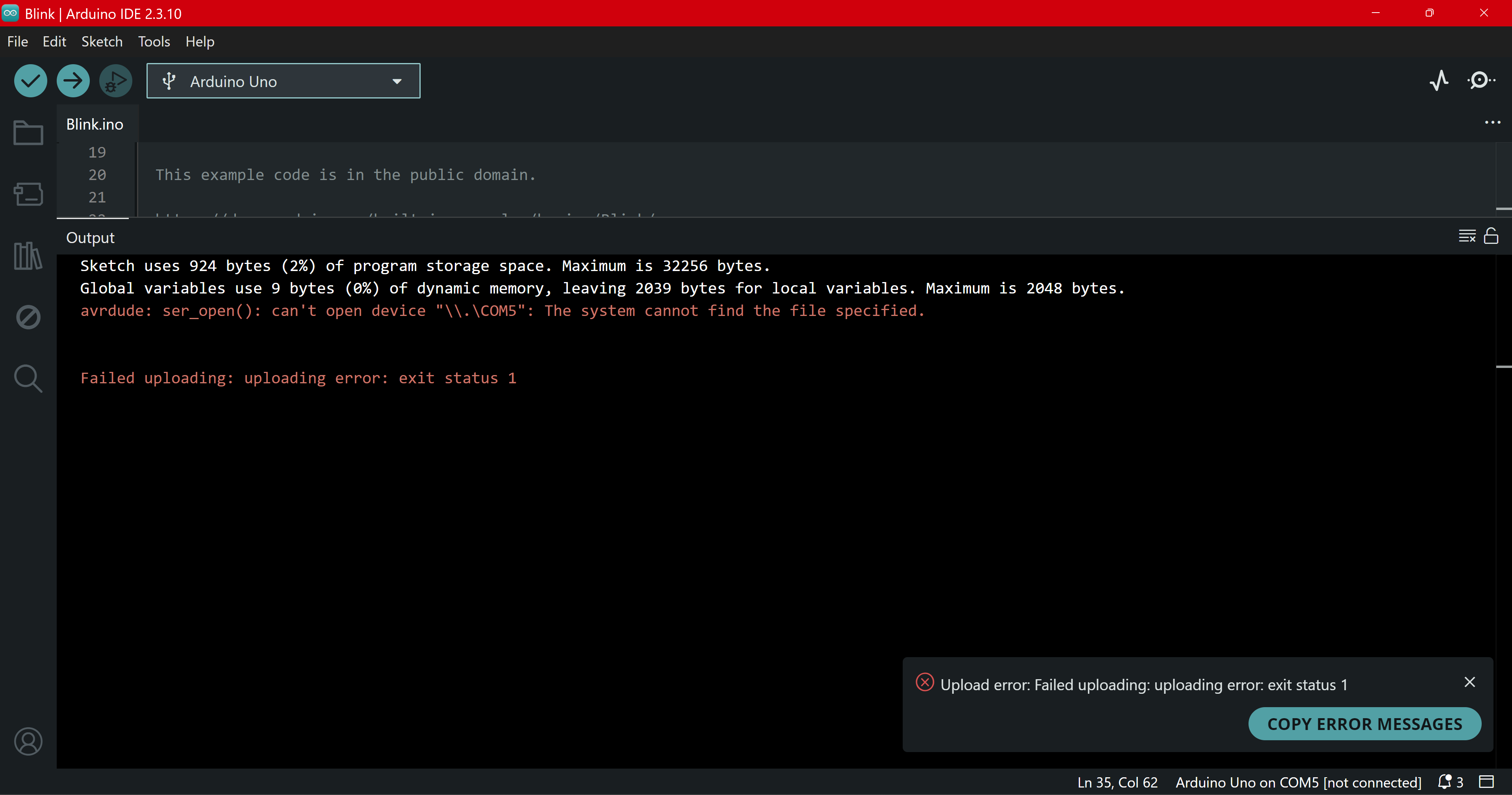
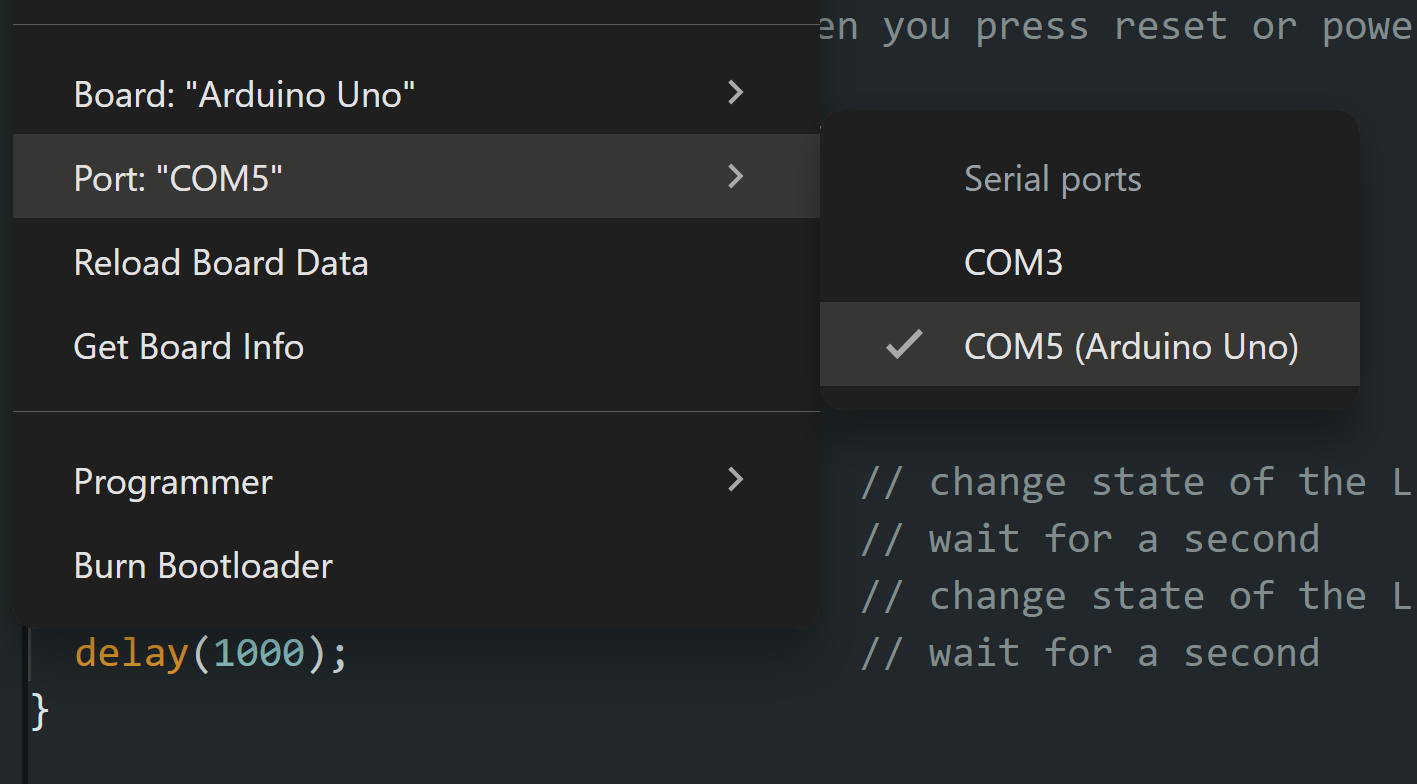
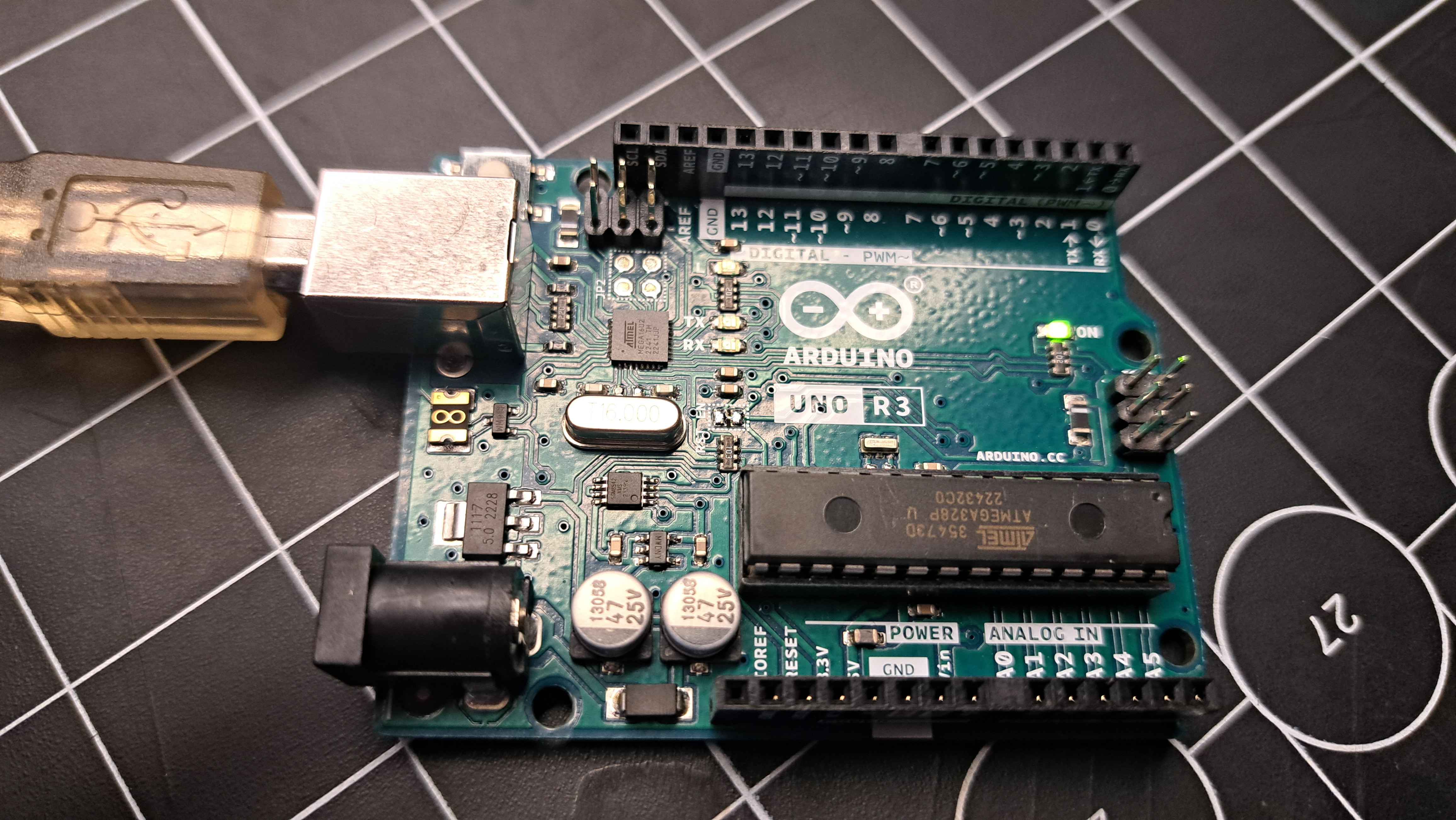
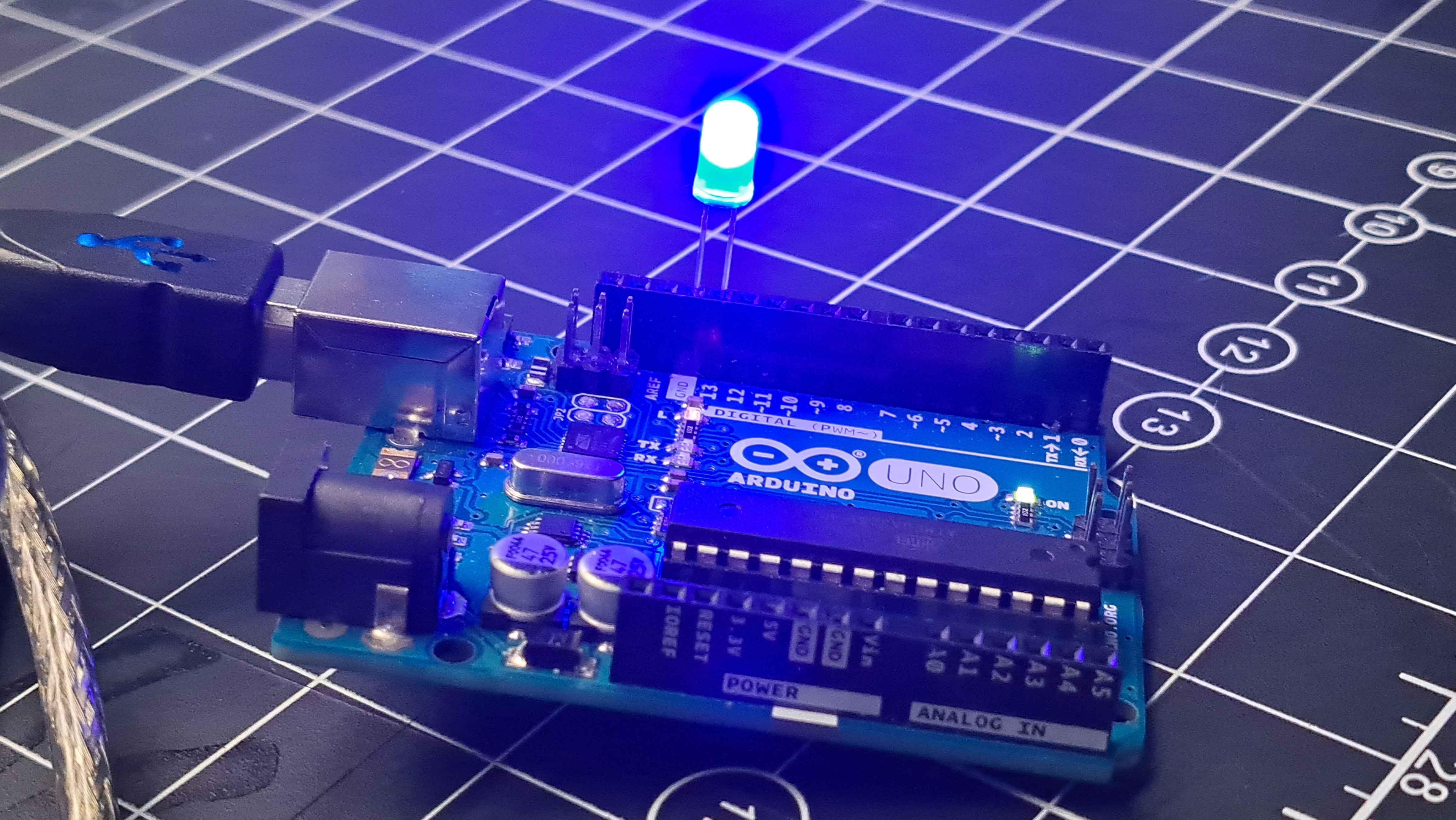
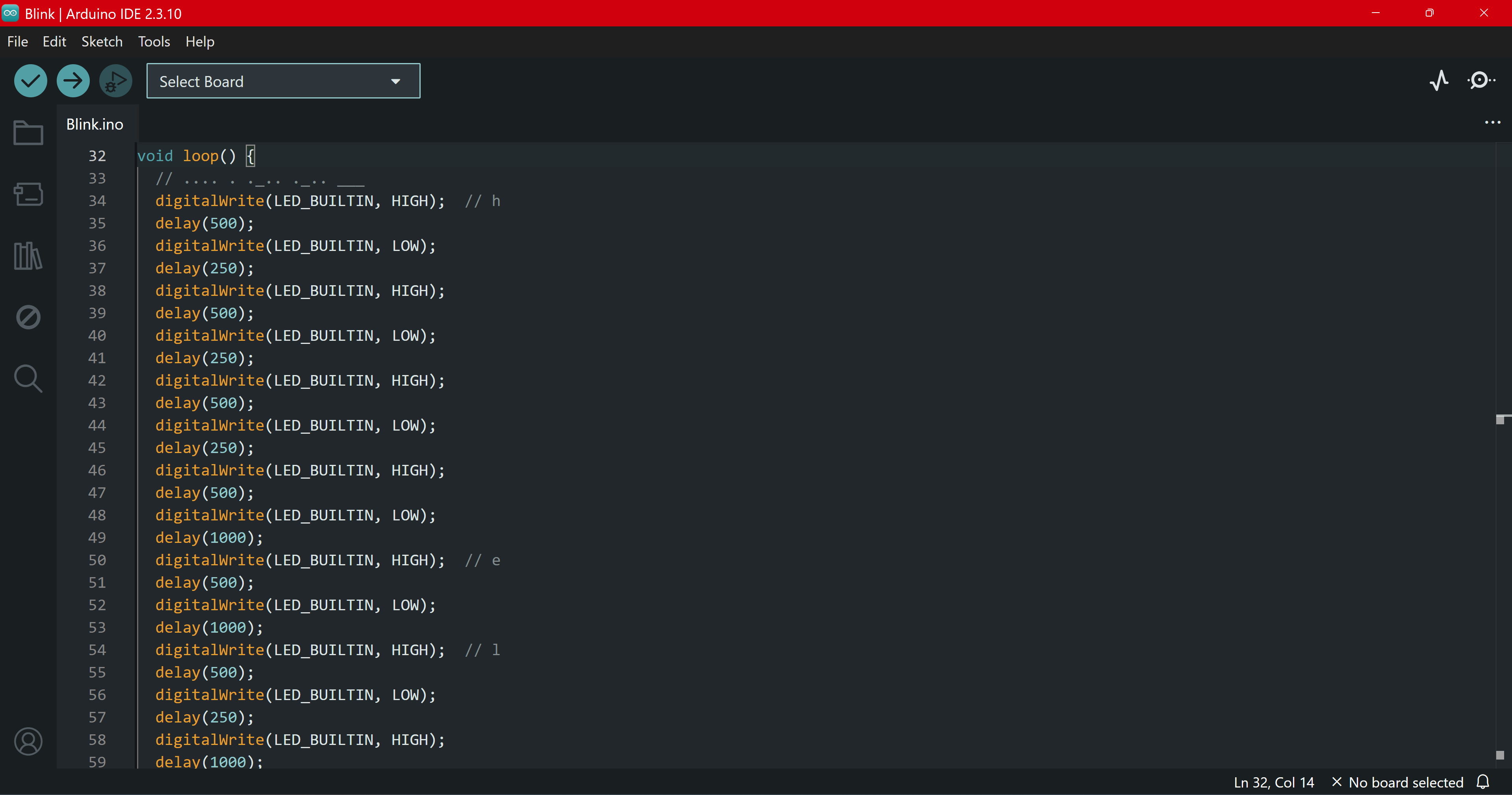
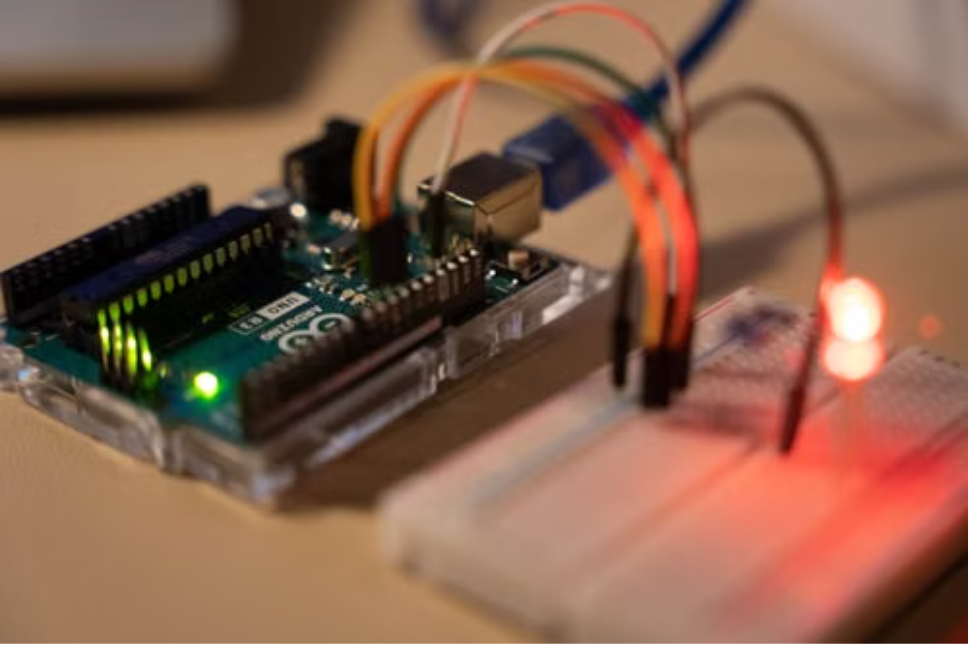
When I first tried to upload the code to the Arduino, I got an error. I didn't know what it meant, but I hit the verify button and then it just magically worked. We had to swap our cord and Arduino a couple times, so we had to make sure the app connected properly multiple times. When we removed the code from our Arduino the little orange light stayed on which it wasn't supposed to. Unfortunately, when I tried to recreate the problem, I had grabbed an Arduino that didn't turn on. We chose a blue LED and were able to see our immediate success. Afterwards, I played around with using the LED to display morse code to say 'hello' continuously.

Activity 2

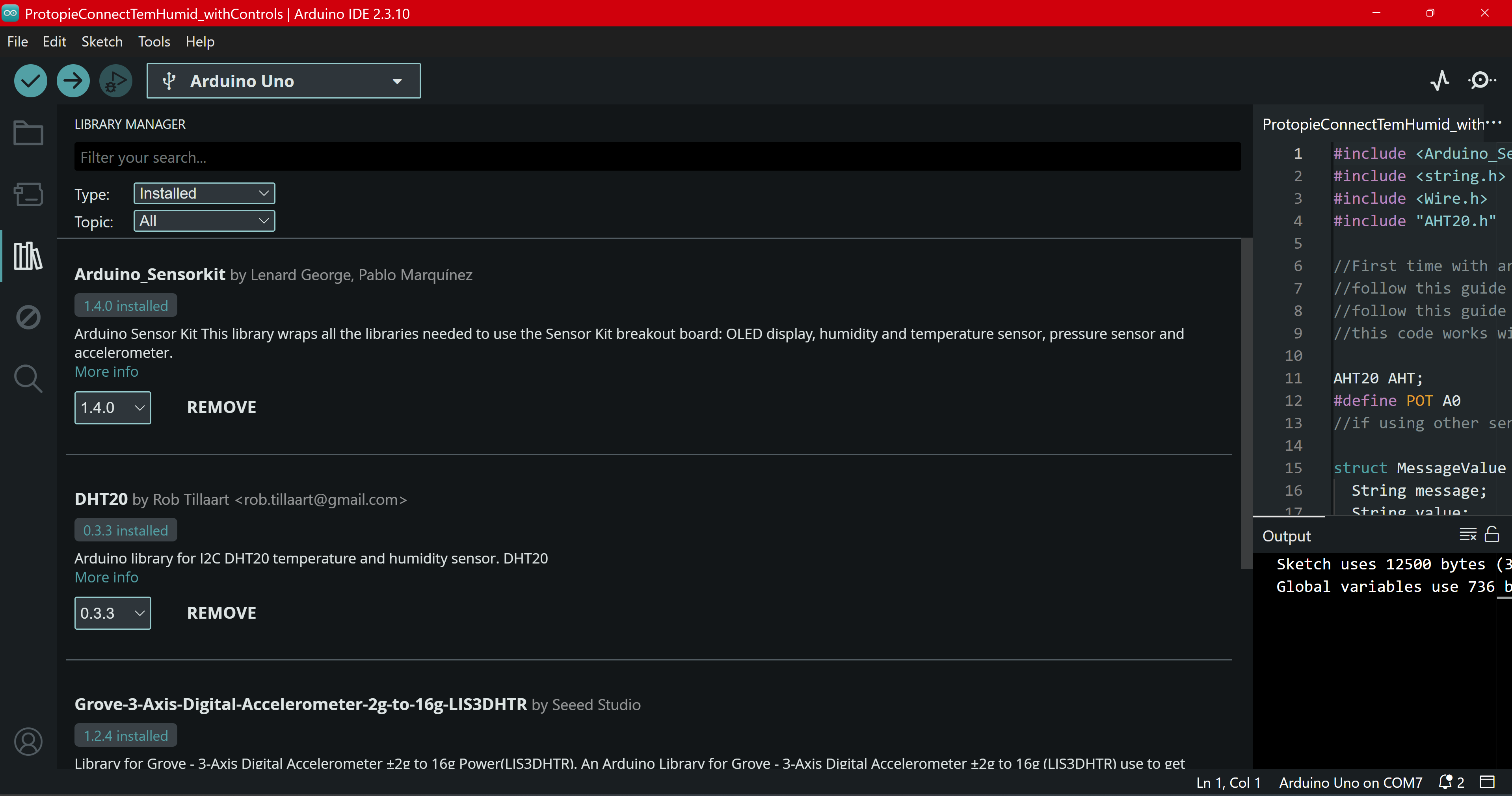
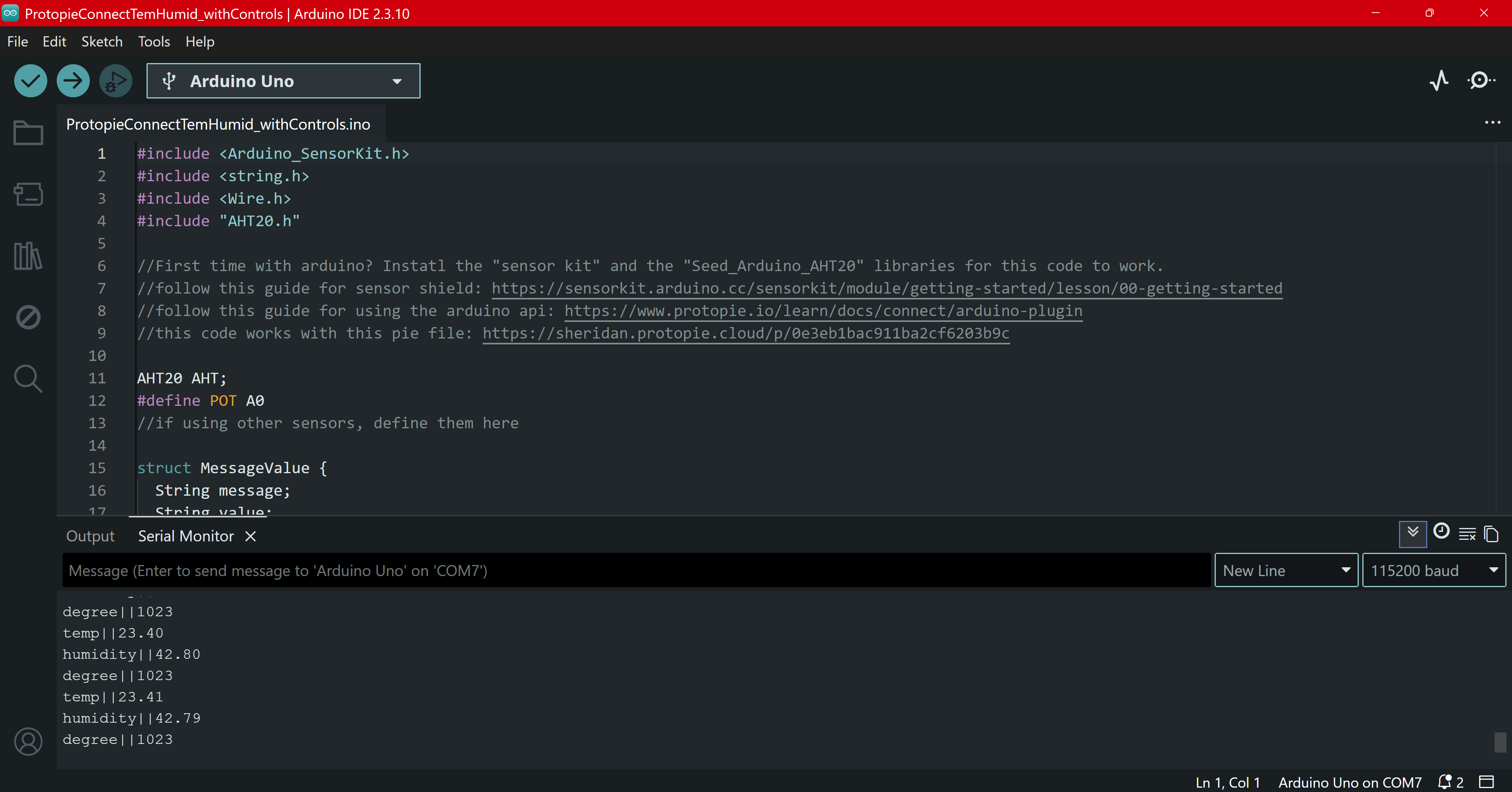
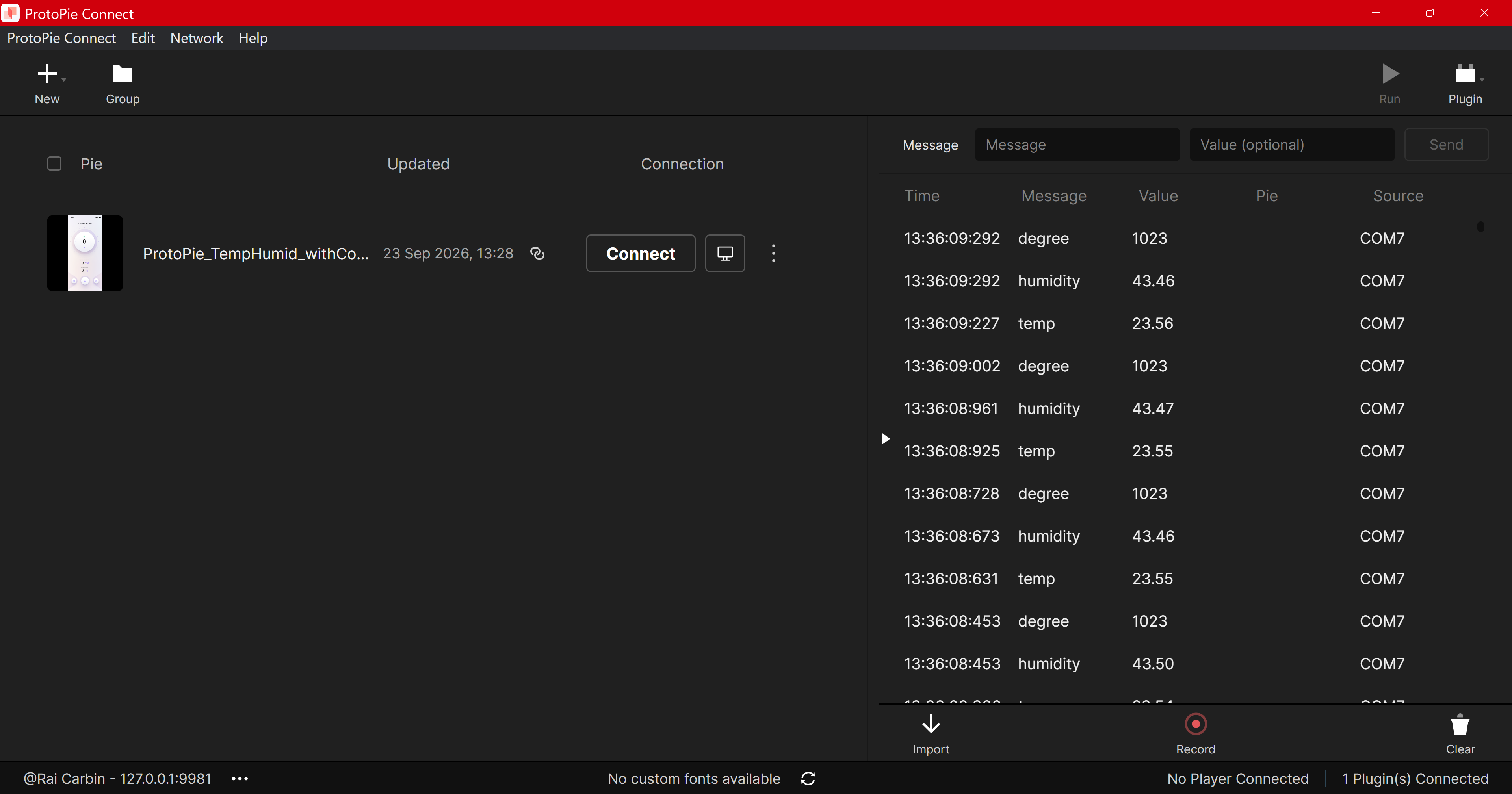
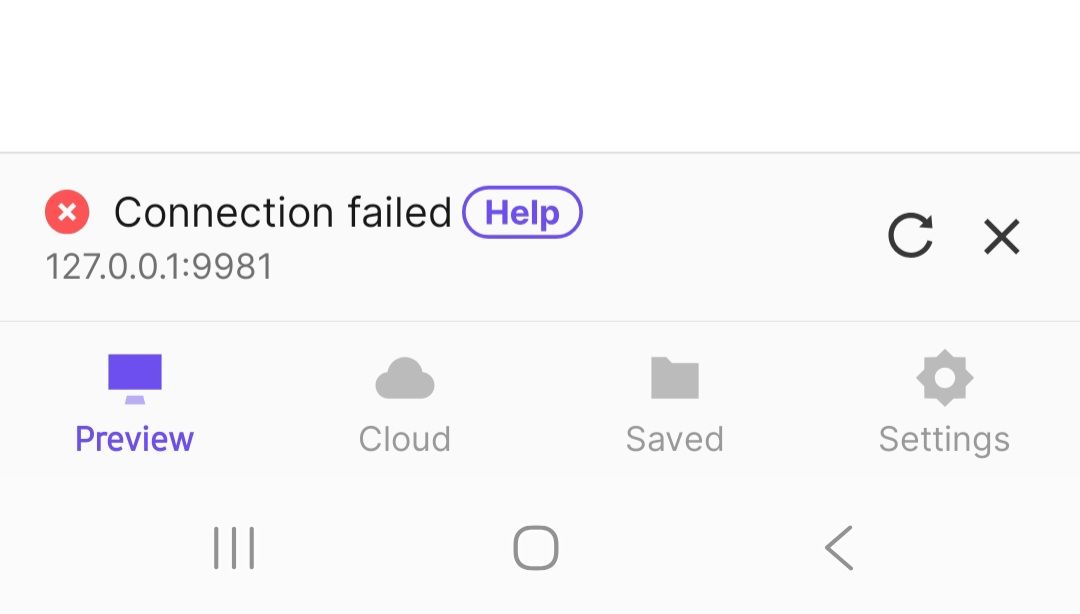
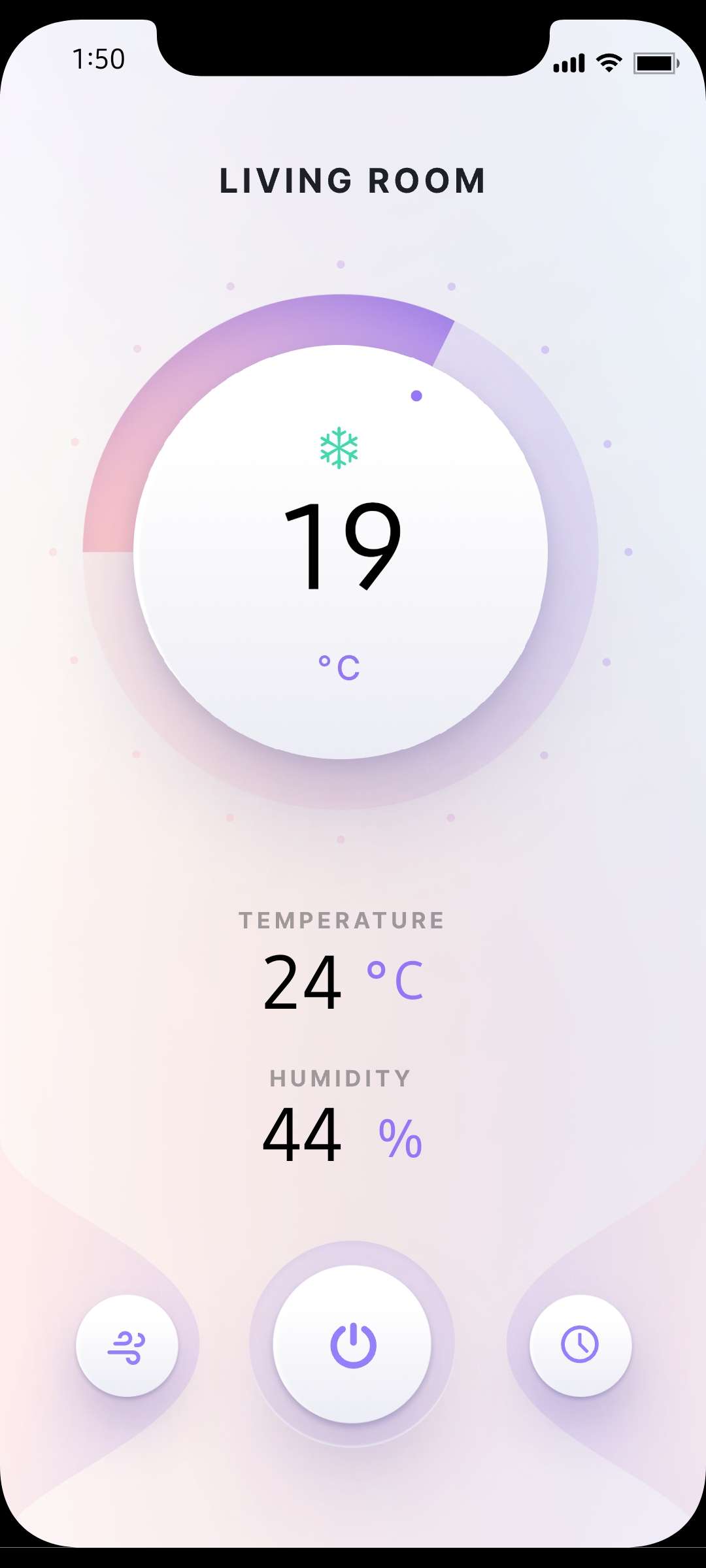
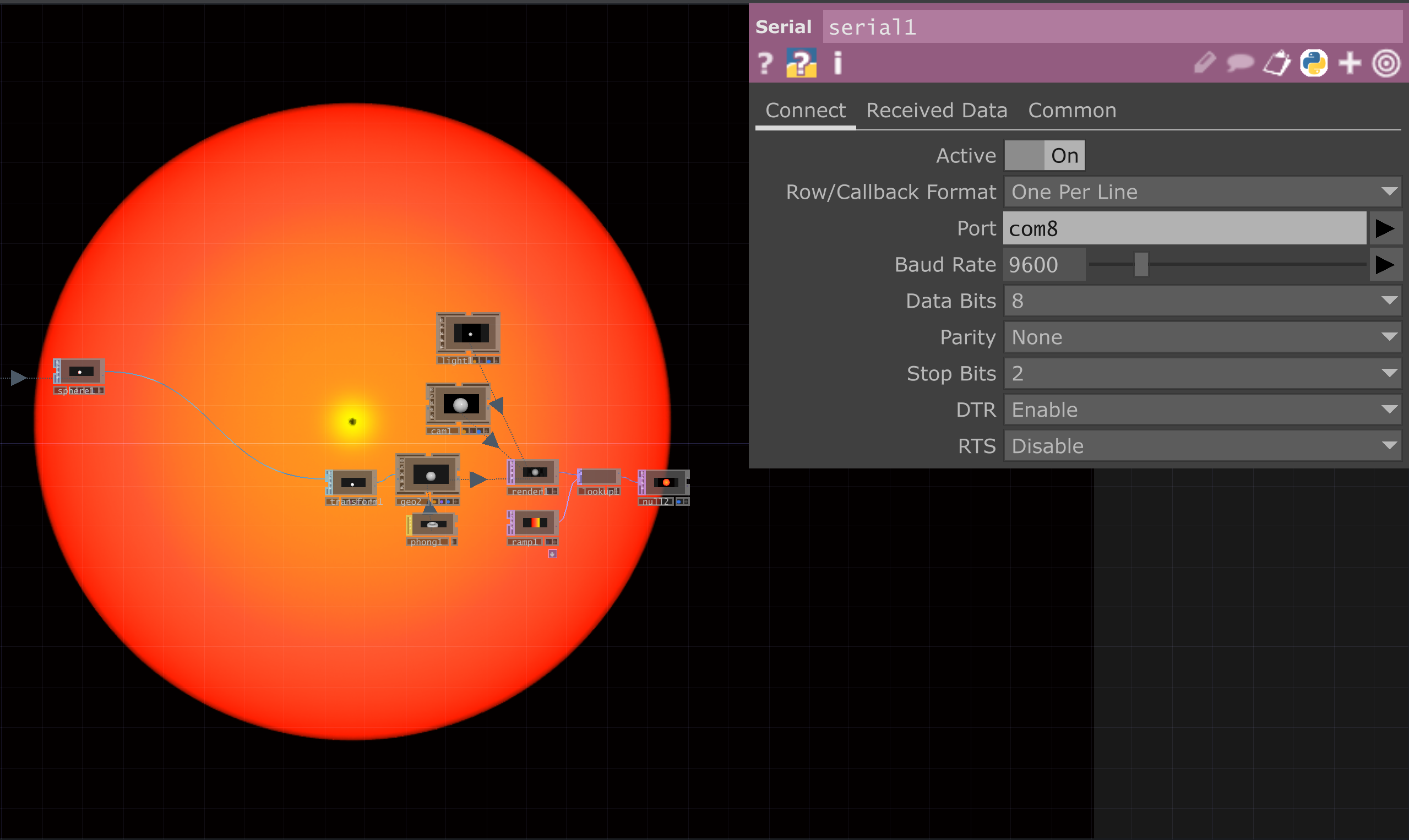
Getting the libraries downloaded. Getting the sensors working in the Arduino software. Connecting to Protopie Connect. My phone wasn't able to connect at first. I was able to successfully get the connection working on my phone after restarting the wifi network.

Activity 3

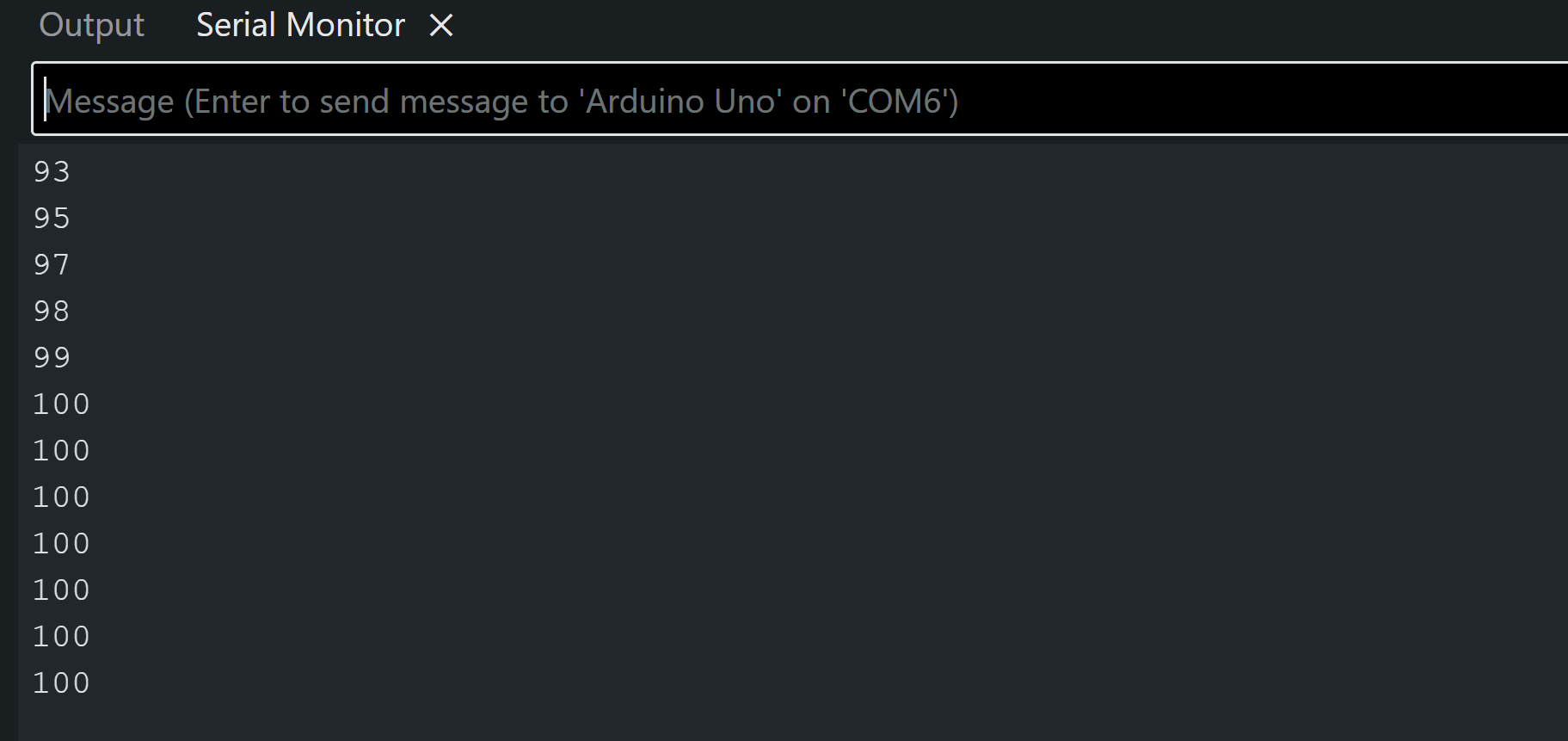
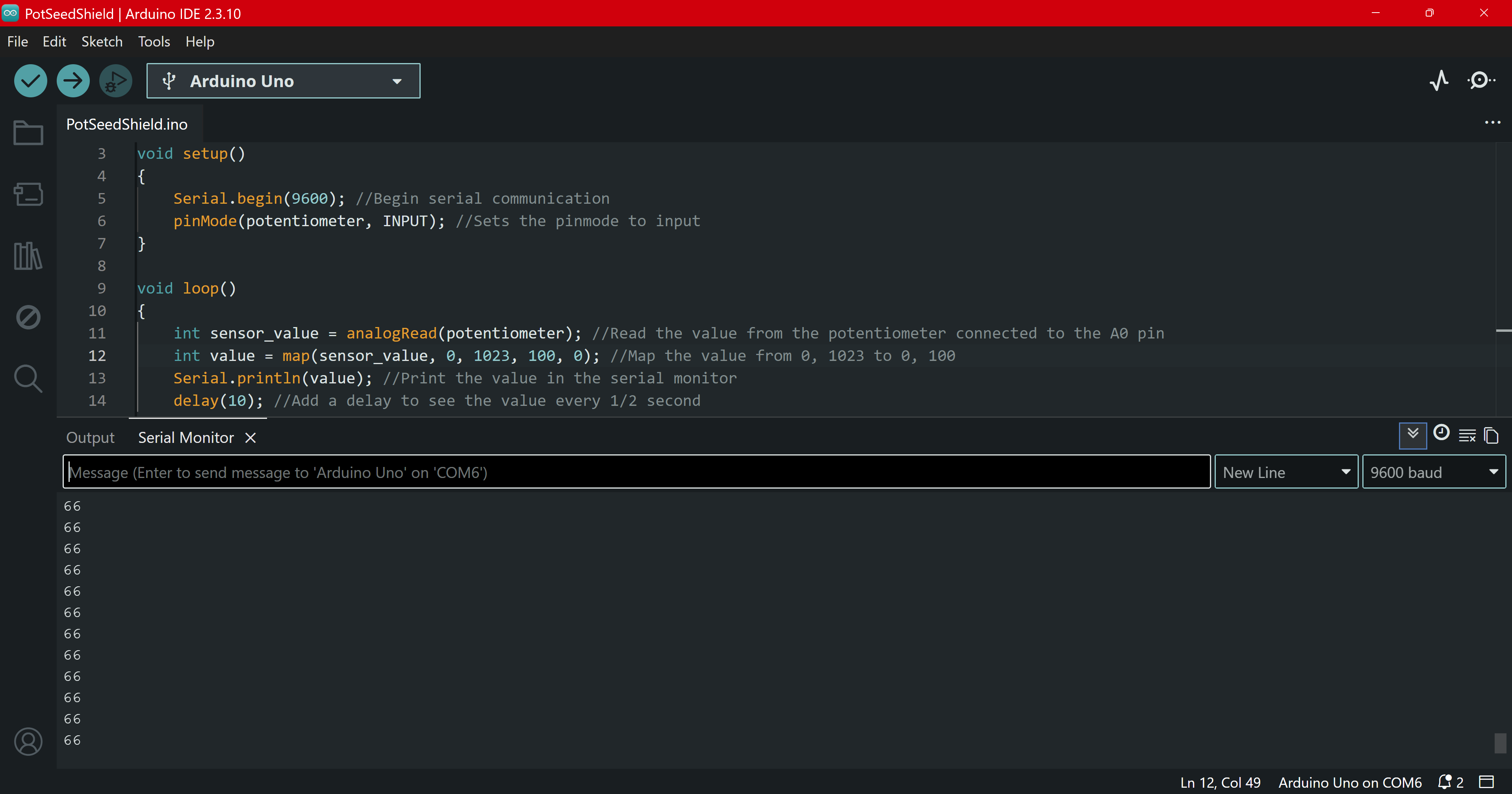
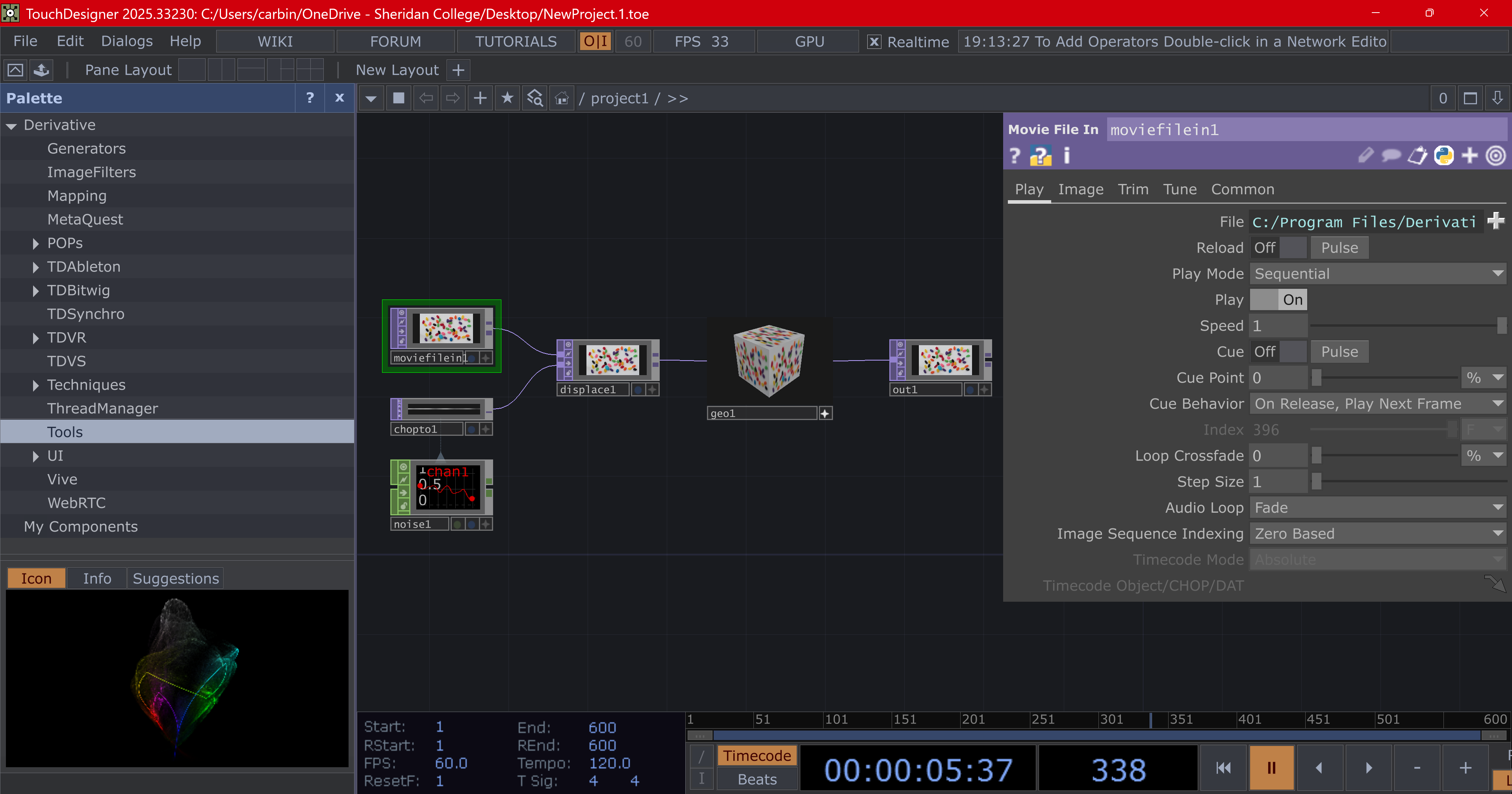
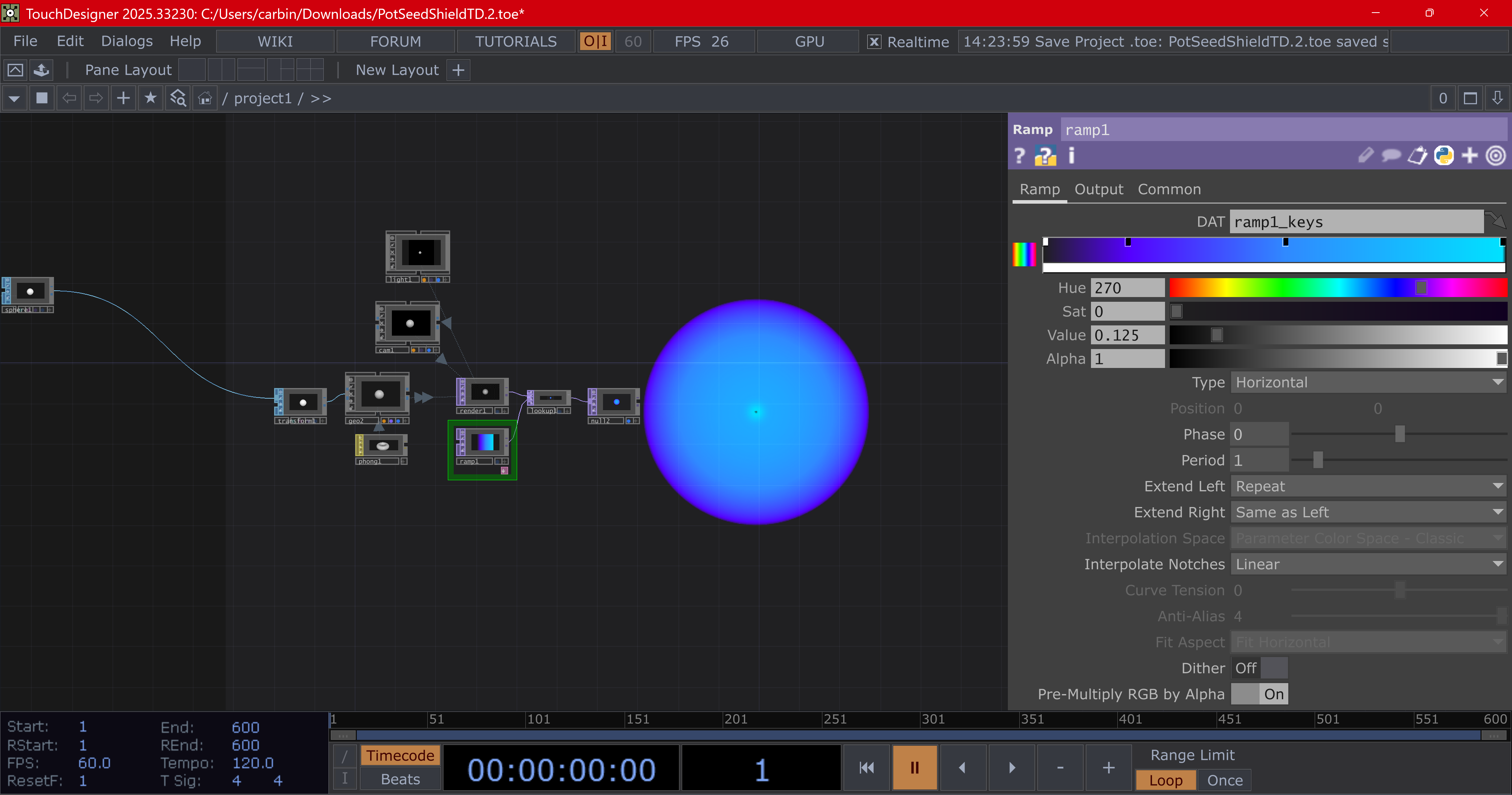
Successfully running the Arduino code. Inverting the potentiometer value because the turning direction felt unnatural. I'm quite happy that TouchDesigner opened because my laptop struggles with some apps like this. Got the Arduino connected. I was surprised by it taking a couple minutes to begin actually working. I know we weren't supposed to touch anything else but I figured changing the colours wouldn't break it. I just wanted to explore more of how TouchDesign works.

Research Activity


Consumer Trend Research

Researching smart devices & AI, and online community
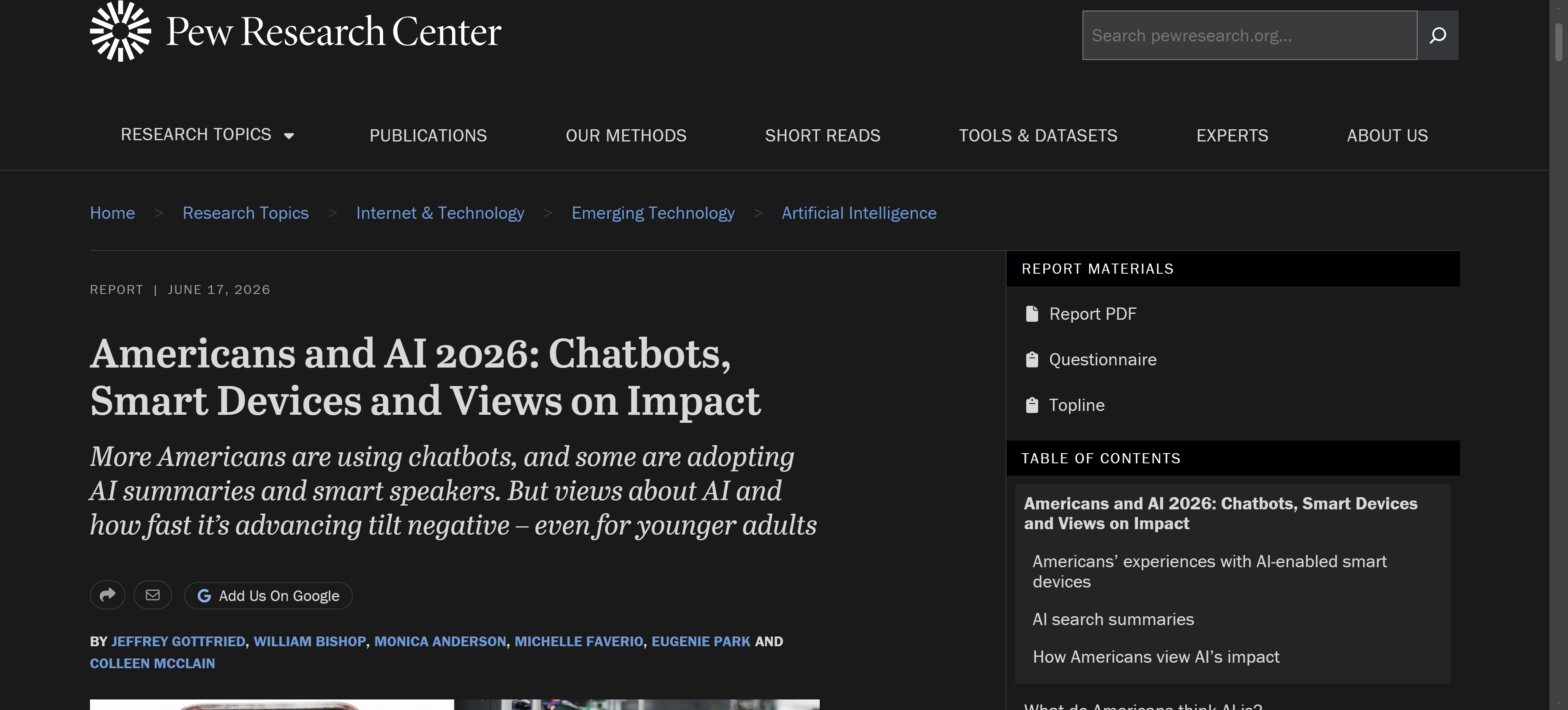
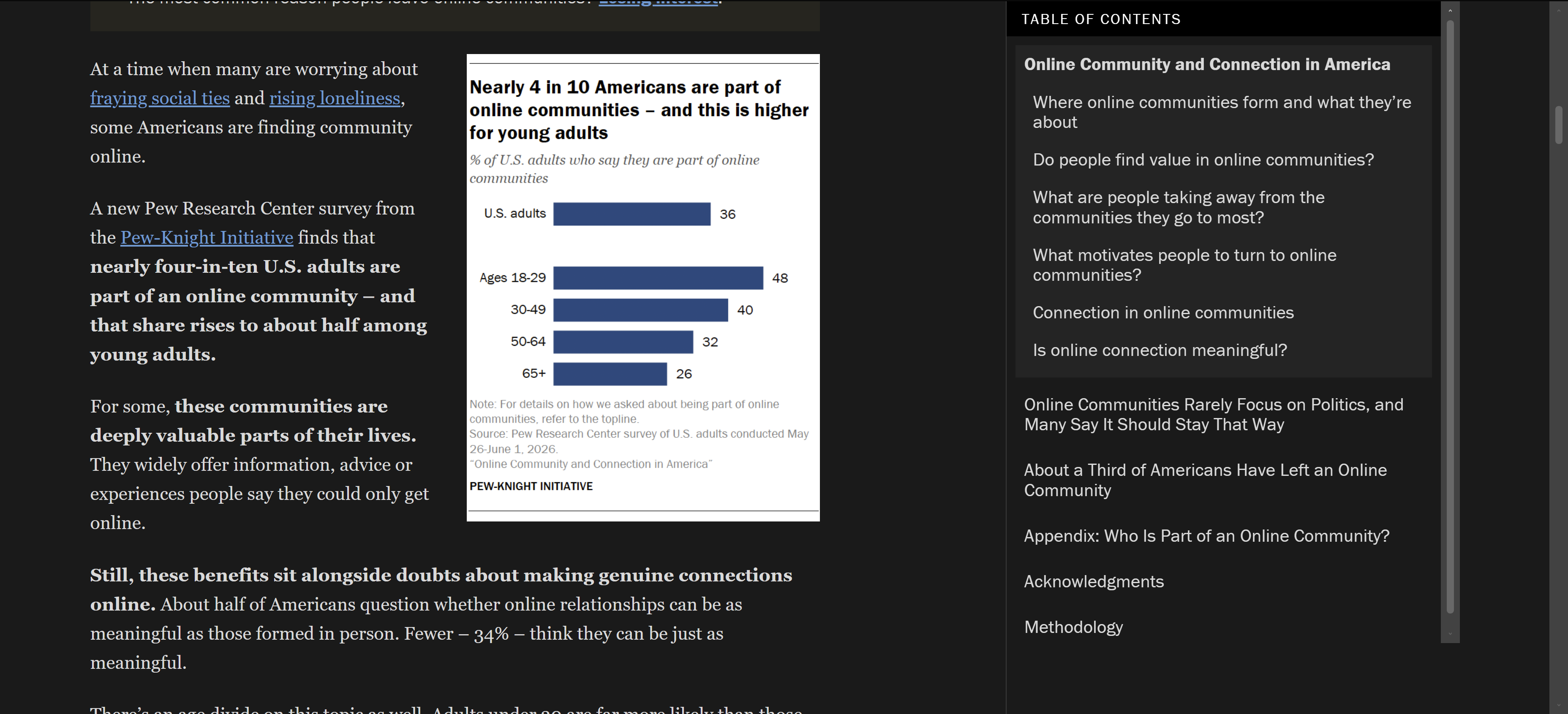
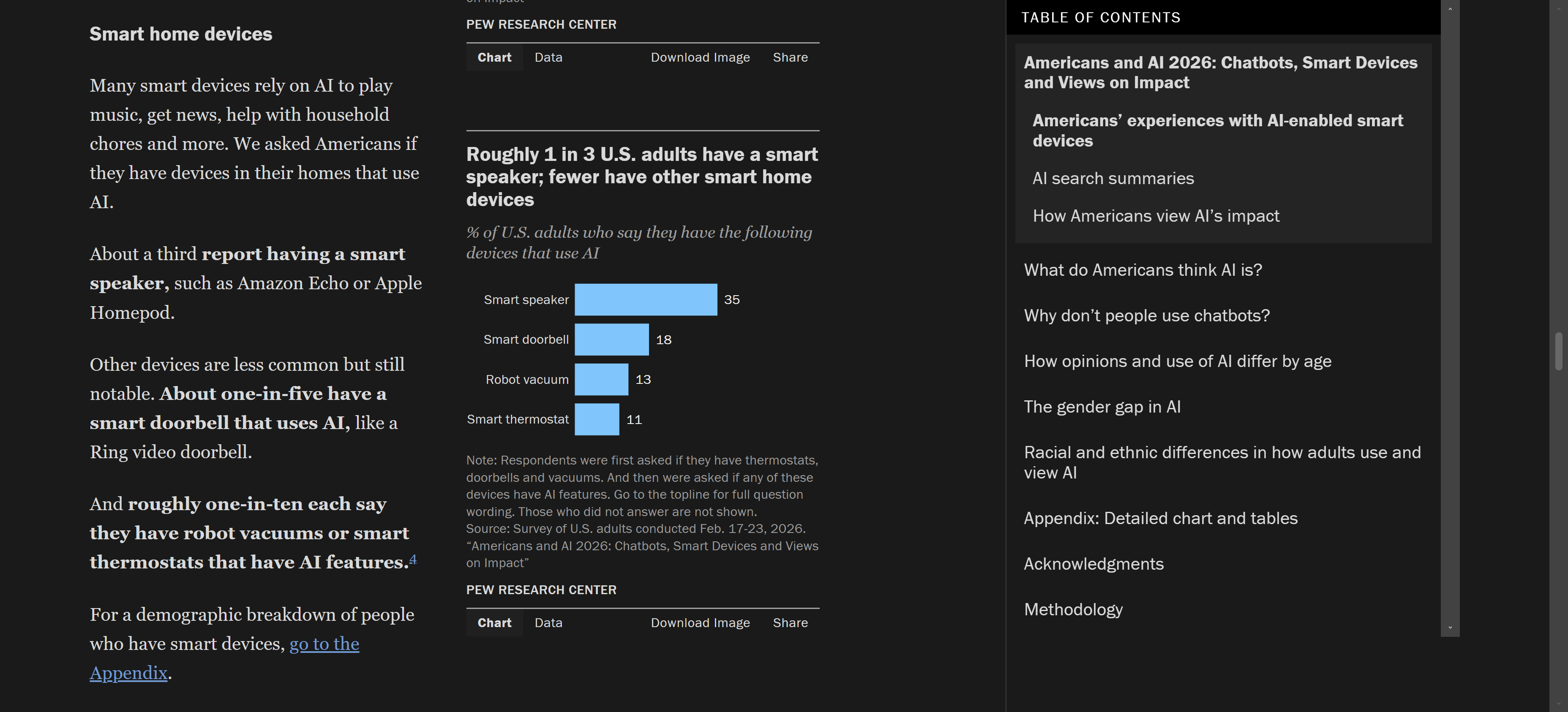
<span class='yellow'>Category 1</span><br>The trend is about security & AI.<br><span class='yellow'>Category 2</span><br>The trend is about online communities and people connecting with each other digitally.<br><span class='small'><span class='yellow'>Links: </span>https://www.pewresearch.org/internet/2026/06/17/americans-and-ai-2026-chatbots-smart-devices-and-views-on-impact/<br>https://www.pewresearch.org/internet/2026/10/14/online-community-and-connection-in-america/</span> <span class='yellow'>Category 1</span><br>This category is unique in how it follows the introduction of AI into existing technology. Product examples cover home technology like smart thermostats, fridges, doorbells, etc.<br><span class='yellow'>Category 2</span><br>This category is unique because of how it relates socialising to technology. Most products in this category are messaging or video apps. <span class='yellow'>Category 1</span><br>The most important stat I found was that 1 in 3 Americans have a smart speaker & possibly other smart devices.<br><span class='yellow'>Category 2</span><br>Young adults are significantly more likely to find online relationships as meaningful as in-person ones.

Personas Research

How these technologies positively/negatively affect people
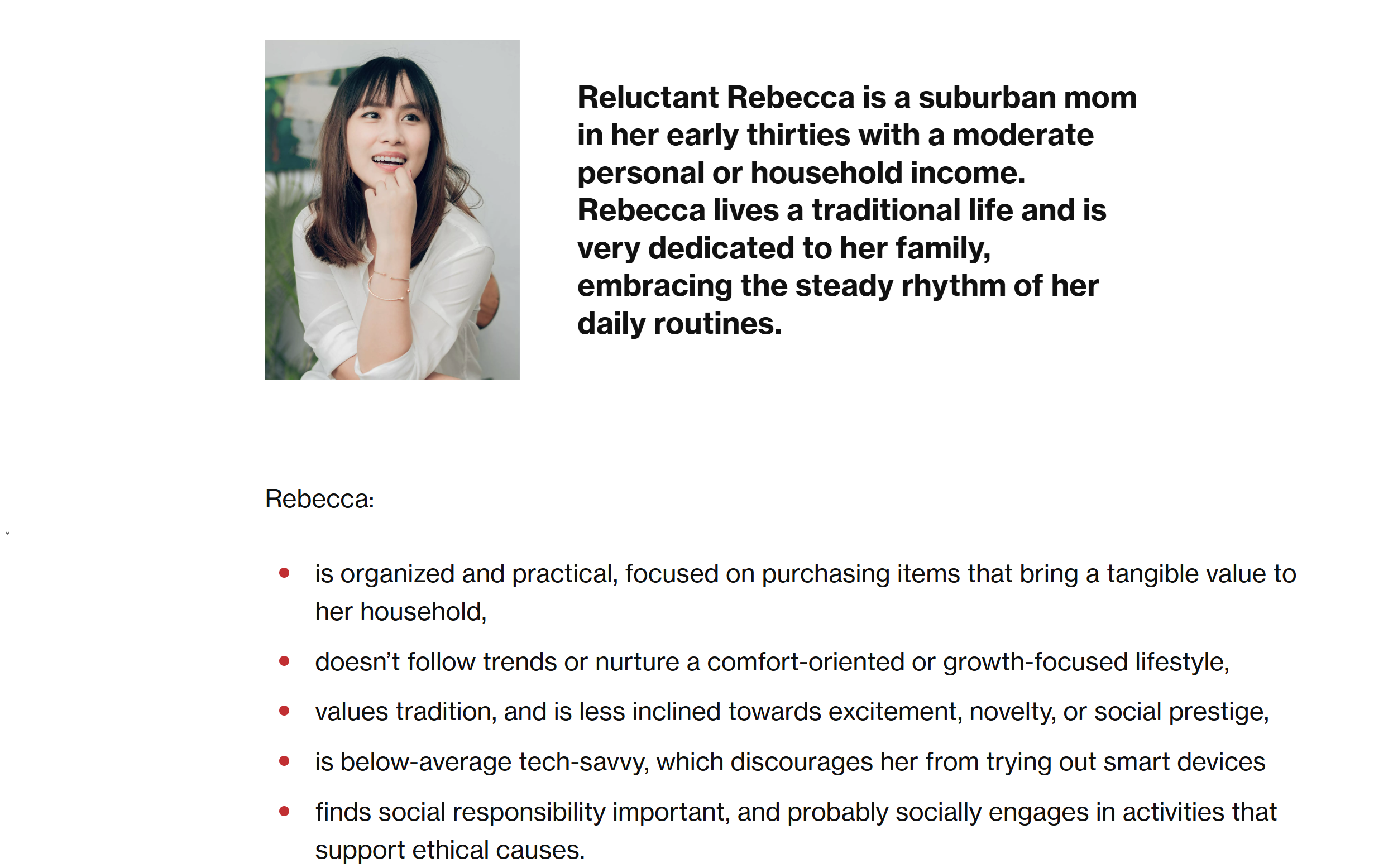
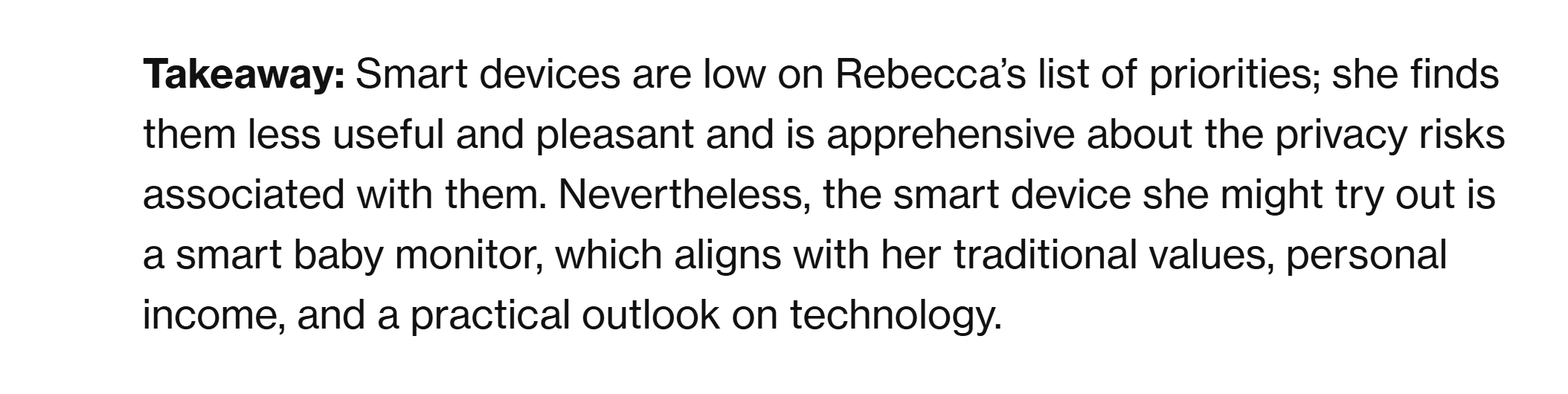
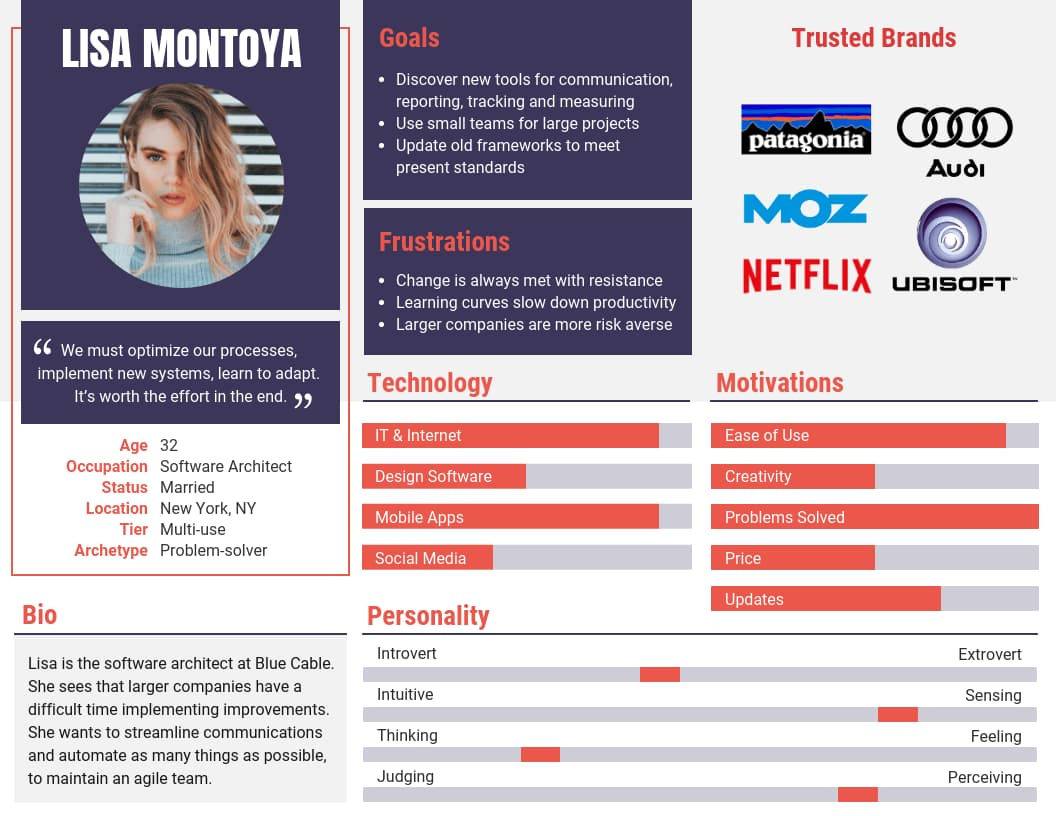
<span class='yellow'>Category 1</span><br>Rebecca: She is a suburban mom who is disinterested in smart devices. She is in her 30s and enjoys a traditional lifestyle.<br><span class='yellow'>Category 2</span><br>Lisa: She is a software architect in her 30s. She likes discovering new communication tools and working with others.<br><span class='small'><span class='yellow'>Links: </span>https://infinum.com/blog/iot-adoption-user-personas/<br>https://www.appcues.com/blog/persona-examples</span> <span class='yellow'>Category 1</span><br>As a woman in her 30s, she is a bit behind on tech trends and would prefer to keep it that way.<br><span class='yellow'>Category 2</span><br>As a woman in her 30s, price is less of a factor but is still considerable. <span class='yellow'>Category 1</span><br>a) She is not very tech savvy b) She values tradition over novelty c) She prioritises practicality & reliability d) She cares for her family & community<br><span class='yellow'>Category 2</span><br>a) She is a problem solver & communicator b) She cares most about problem solving c) She prioritises ease of use d) She works in technology

HMI Research

What can be done to make these technologies better
<span class='yellow'>Category 1</span><br>a) Non-smart devices are difficult to find now b) Everyday devices now need a wifi connection<br><span class='yellow'>Category 2</span><br>a) The internet is also divisive b) Many platforms have accessibility issues <span class='yellow'>Category 1</span><br>How might we reimagine single task devices? How might we disconnect the internet from unnecessary devices?<br><span class='yellow'>Category 2</span><br>How might we let disabled users interact more efficiently? How might we create more sensations in technological use? <span class='yellow'>Category 1</span><br>Yes for all<br><span class='yellow'>Category 2</span><br>Yes for all

Project Path

Exploring what I can do with this information
Design: these categories suit problem solving over exploration <span class='yellow'>Category 1</span><br>Collaboratively: there’s a lot to consider in this category and I would like to have another person to help make something substantial<br><span class='yellow'>Category 2</span><br>Collaboratively: this category lends itself to working with other people <span class='yellow'>Category 1</span><br>a) A regular thermostat with optional mobile connection b) A self-contained security system<br><span class='yellow'>Category 2</span><br>a) A physical controller for videos b) Haptic feedback for notifications n stuff

Project 1 Concept


Project 1 Concept

For this project, I will be working with Cerin on the deisgn path. Our idea is to design a system for deaf people, primarily drivers, that would alert the user to loud noise in the environment that would indicate an emergency vehicle is nearby. It would send both a visual alert to the car's screen and some kind of haptic feedback to the steering wheel or seat.
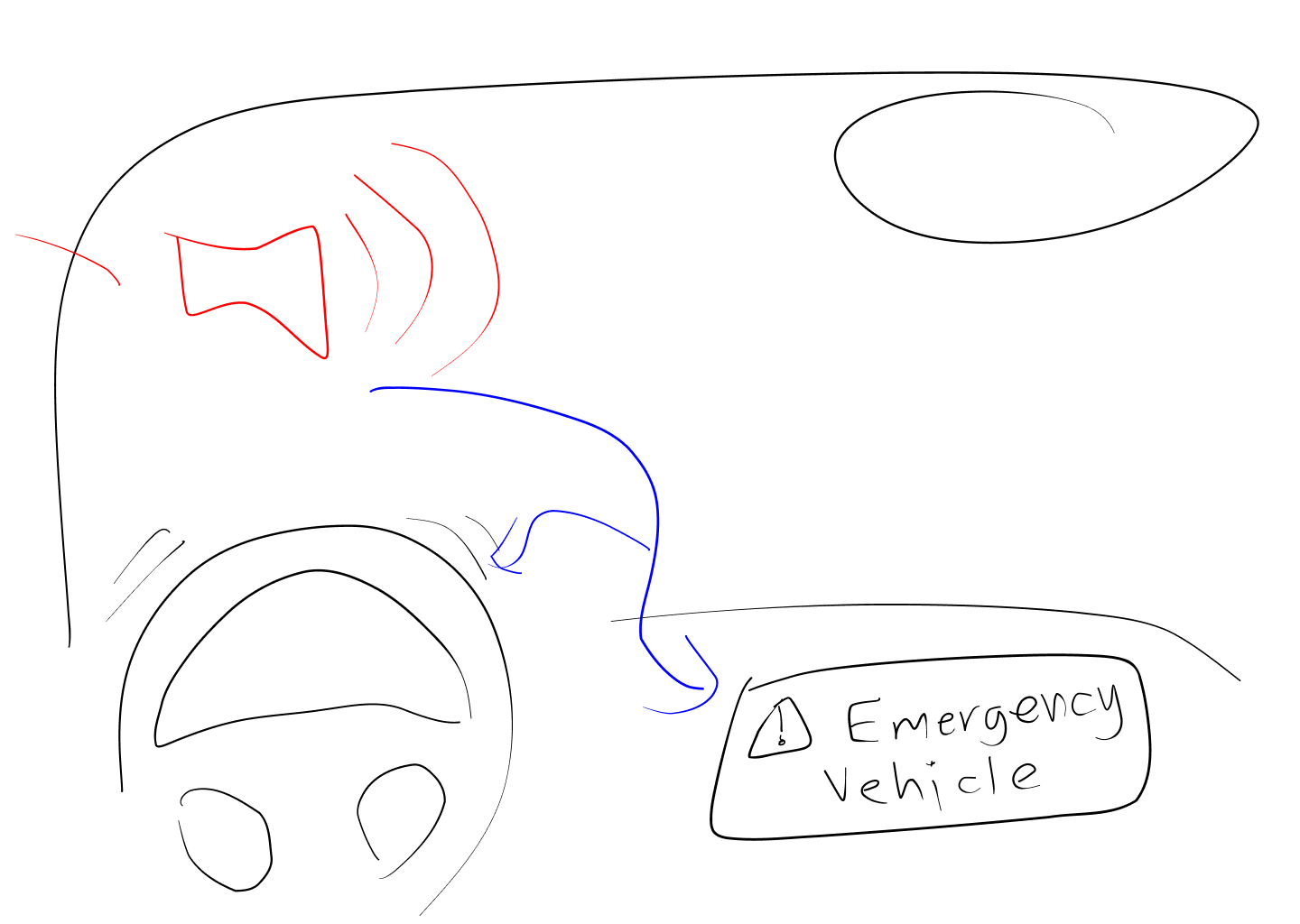
Quick sketch of the idea
×

Powered by w3.css